

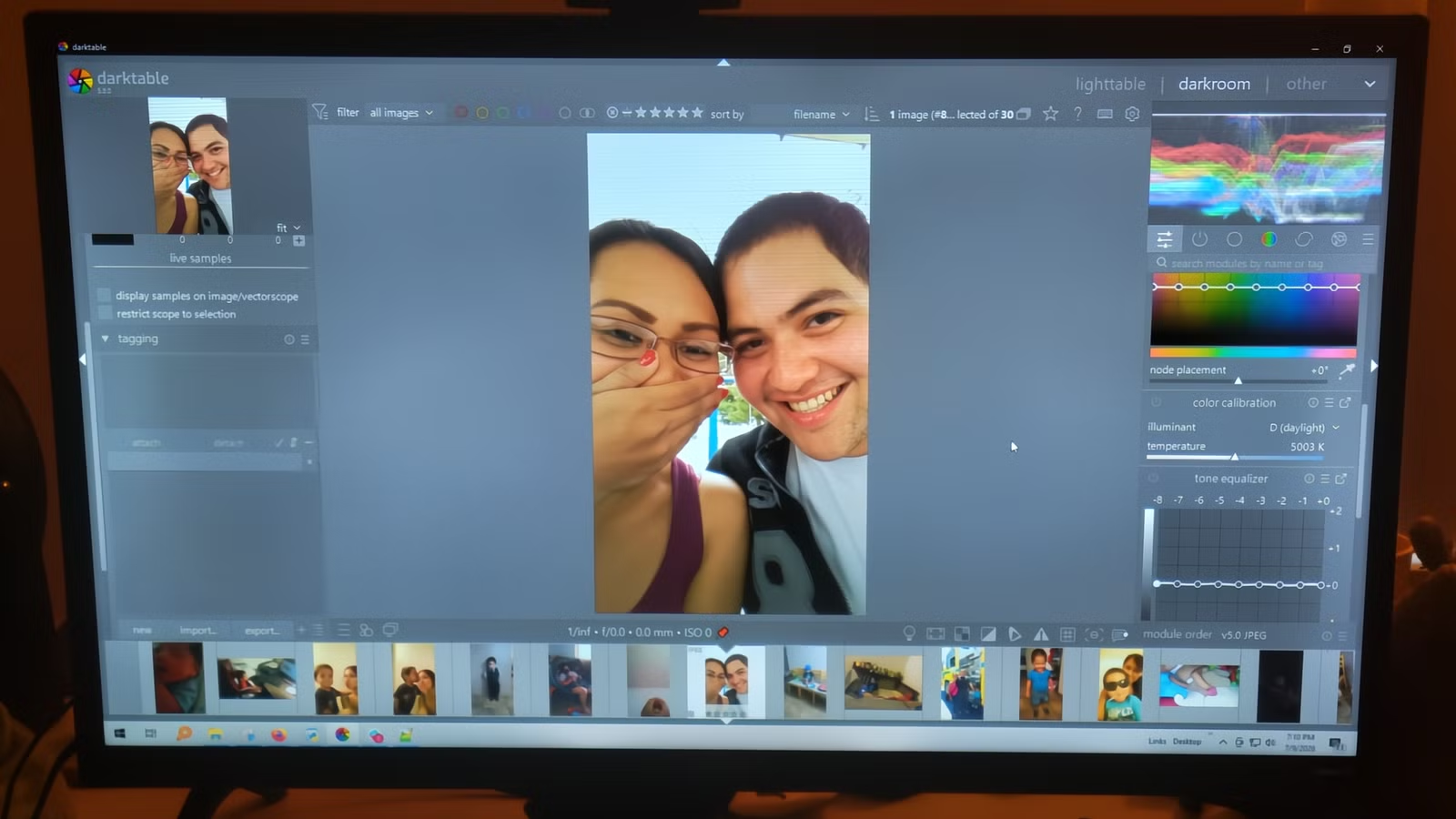
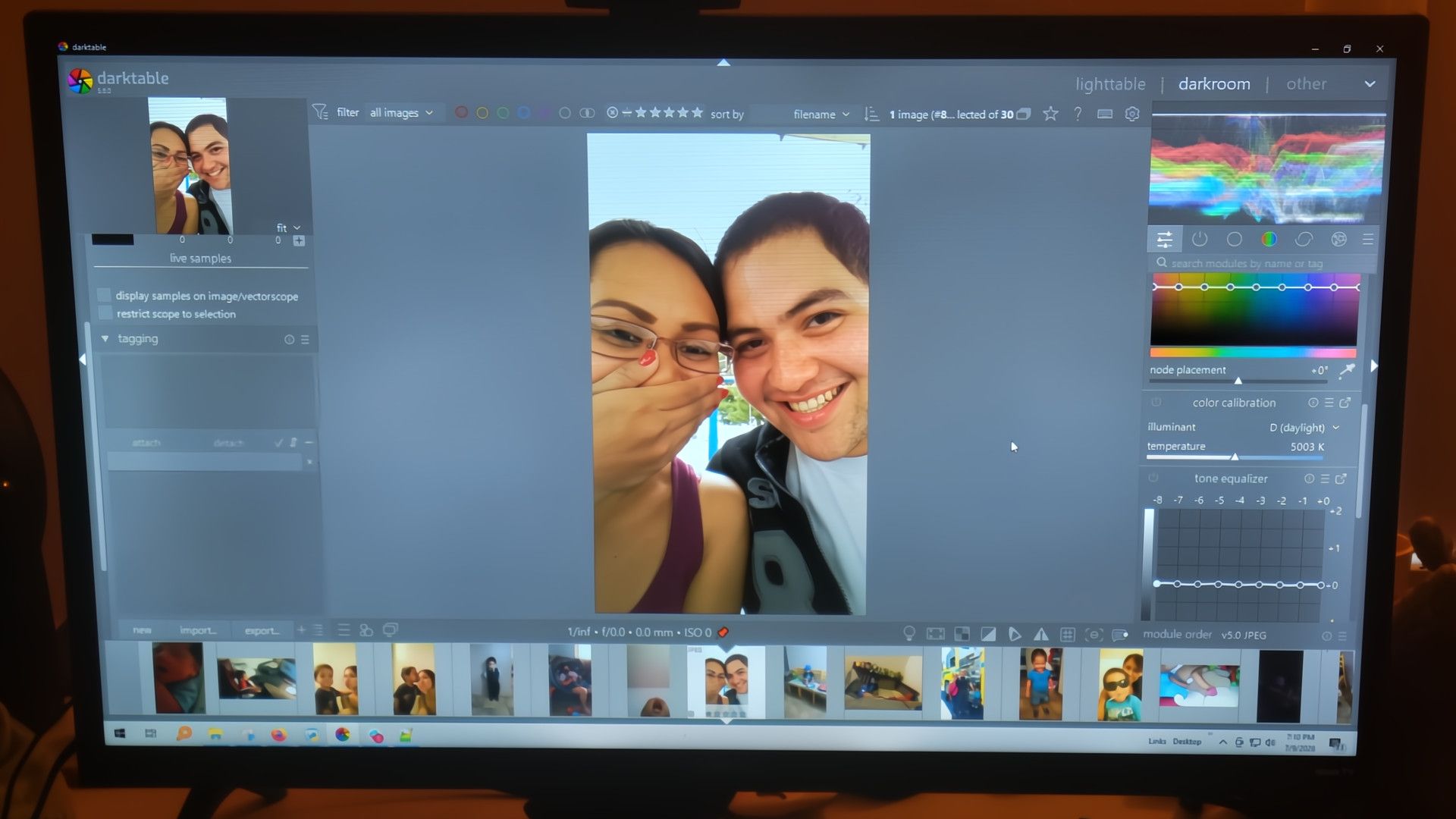
Canceling a Lightroom subscription feels easy until you actually have to find something else. Most alternatives either act too much like Adobe Lightroom closely enough to feel like they are a copy, or they’re so different that they’re too much to take in at once. Darktable can feel overwhelming, and I won’t pretend the first few hours were smooth. What kept me going was noticing that the things it does differently are important.
Darktable treats light just like your camera sensor does
You can fix shadows without making the picture look flat
Darktable works with light the way a camera sensor actually captures it. It’s the raw physical values without any early manipulation. This matters a lot when you’re shooting in harsh lighting, because the software holds off on any display-specific adjustments until the very end of editing. This will keep the underlying data intact.
It’s easy to leave Lightroom because it will compress that raw data early on using older curve-based processing. The problem with doing it that way is that it permanently breaks the relationship between how bright a pixel is and how saturated its color is. You will feel this most when you’re trying to rescue a blown-out sky or bring up crushed blacks.
Those Highlights and Shadows sliders can only do so much before things start looking crunchy and over-processed, with flat gray midtones and ugly halos creeping in around high-contrast edges.
Instead of giving you a one-click fix for clipped highlights, Darktable handles the problem through dedicated modules that work on the image before it’s even been fully processed from the RAW file. The Highlight Reconstruction module looks at which color channels have blown out and rebuilds the missing information from what’s still intact.
For the shadows side of things, the Tone Equalizer is the module that really sets Darktable apart. A typical shadow slider lifts everything indiscriminately, which flattens contrast and makes the whole image look muddy.
Manual masking takes a little longer but avoids ugly edges
You pick specific colors instead of letting the software guess
One of the biggest shifts when moving from Lightroom to Darktable is how much control you get over local adjustments, thanks to its masking system. Other editors are leaning harder into AI-powered selection tools that try to guess what you want; Darktable doesn’t use any automated guesswork for its core masking, which does mean selections take a bit longer to set up.
The payoff is that you completely sidestep the messy edge artifacts, unnatural halos, and missed details that AI selections tend to produce on anything with a complicated shape. Instead, you get a set of parametric and drawn masking tools that let you isolate regions based on actual color or luminance values.
Instead of painting broadly over an area, you pick specific pixel properties to build your selection automatically from color and luminance coordinates you define. Depending on which module you’re working in, you can restrict edits using Lab space channels like luminance, chroma, and hue, or work in scene-referred RGB to target raw color values directly.
If you’re trying to recover a blown-out sky, a boost factor slider lets you push your parametric selections above standard display limits to grab overexposed areas that tend to slip through. You can also view each color channel in grayscale or false color to confirm your mask is catching exactly what you intend.
Pushing the exposure won’t ruin the rest of your image
You get a lot more room to safely adjust the brightness
Credit: Tim Brookes / How-To Geek
In Lightroom, you use a handful of master sliders that work in a display-referred pipeline. Basically, this means the software takes your camera’s raw data and squashes it into something a screen can show pretty early in the process. The problem is that once you make a big exposure push and then try to claw back the highlights, you get ugly side effects.
This is when you see flat, gray midtones and digital halos around edges, which make an image feel processed instead of photographed.
Darktable works in a scene-referred linear workflow, where your image data stays in an unbounded 32-bit floating-point space throughout editing. So pixel values map directly to the actual light intensities your sensor recorded, the way they existed in the real world. That space has no hard ceiling, so you can push exposure aggressively, and the brightest parts of your image won’t clip and die.
You set your exposure first, and then you use one of Darktable’s tone mapping modules to bring everything back into the visible range of your screen at the very end of the pipeline. The three main options are Filmic RGB, Sigmoid, and AgX, and they’re far more detailed than a compression curve.
You can try different edits without filling up your hard drive
Every new version is saved as a tiny file instead of a full copy
When I first started looking for Lightroom alternatives, one of my biggest worries was how I’d manage multiple edits of the same photo without chewing through my hard drive. Darktable ended up surprising me completely with how it handles this.
Each one has its own edit history, color profile, and metadata, so they’re fully separate, and you don’t get the storage cost. That is a great feature because it gives you a lot of room to experiment.
Every duplicate gets its own version number and its own sidecar file, while your master edit is perfectly normal. You can try a completely different approach on each duplicate without any of them affecting the others.
You might run one through the AgX tone mapper to see how it handles highlight rolloff, and try another with the Sigmoid display transform for something punchier and more contrasty. That’s the kind of freedom you want but won’t get with Lightroom.
Darktable may not be for you
Darktable isn’t a drop-in replacement. The interface has a logic to it, but that logic takes time to understand, and some workflows that feel instant in Lightroom will need more setup here. If you shoot casually and want quick results, the friction probably isn’t worth it. However, if you’re spending real money on a subscription and finding yourself hitting the ceiling on highlight recovery or local adjustments, Darktable gives you tools that go further.
