

I ran a self-hosted setup flawlessly for two years, even though underneath it was one giant ticking bomb. It held thousands of family photos, Docker and database configurations, with no concrete data protection system. I constantly put off backups because they would be a lot of work.
Luckily, you don’t need a command-line scripting masterclass just to protect your data, and this one friction-free container changed my entire setup from no backups to peace of mind. It took just an afternoon.
Related
I wanted a lightweight self-hosted Google Drive alternative — this single-binary web app is almost perfect
This tiny app replaces Google Drive entirely.
I told myself my homelab didn’t need backups
Nothing had gone wrong yet, and that was exactly the problem
When I started this homelab, it wasn’t supposed to be anything important; just a testing ground to try things. Then, after testing one container, it became the backbone of much of what I do. Over the years, the media server accumulated custom metadata, and thousands of my cherished moments ended up on Immich. It stored several Docker volume configurations that would require hours to rebuild.
I knew backups were integral to this setup, but they kept being the thing I planned for the weekend and never actually did. I fell into the trap of procrastinating because nothing broke. However, the real risk was assuming that because nothing had happened yet, nothing ever would.
However, I snapped out of this illusion one evening as I sat and pondered all that I had built into this setup without any tangible protective layer. The only thing that stood between me and a real disaster was pure luck.
What I wasn’t backing up
Why it mattered
Docker volumes
Application data and settings
Compose files
Quick redeployment of services
Immich library
Family photos and videos
Jellyfin metadata
Watch history, artwork, and organization
Picturing everything was the wake-up call that I needed.
A redundant array protects against a dying drive, not a fat-fingered rm -rf or a botched update, which is why RAID has never actually counted as a backup.
The real problem was getting started
Every backup solution felt like another weekend project
While I was enthusiastic each time I needed to tweak a dashboard or try a new media manager, the thought of backups always felt like homework.
Choice paralysis was a part of this problem. In the self-hosting world, there are just too many backup options, and as I explored each one, I kept finding little rabbit holes. Sometimes, these were shell scripts I had to write, a new CLI workflow to learn, or a config file that I needed to get exactly right. While none of these were impossible tasks and realistically wouldn’t have taken more than an afternoon, they were still reasons to procrastinate.
Tool
Why I never committed to it
rsync
Powerful, but too manual for regular backups
Restic
Excellent, but felt CLI-first for my workflow
Borg
Feature-rich, but more involved than I wanted
Duplicati
Reliability concerns made me hesitate
Kopia
Simple enough that I actually deployed it
When I finally chose Kopia, it wasn’t simply because of its superior encryption claims or its clever architecture. I noticed that several people who self-hosted described it as something they deployed once and stopped thinking about. This was what I wanted. Even if it wasn’t the most powerful option, I could finish setting it up.
OS
Windows, macOS, Linux
Price model
Free
Kopia is a secure open-source backup and restore tool with a user-friendly desktop app for Windows, macOS, and Linux.
Kopia became just another container
The setup was so uneventful that I wondered why I’d waited so long
Afam Onyimadu / MUO
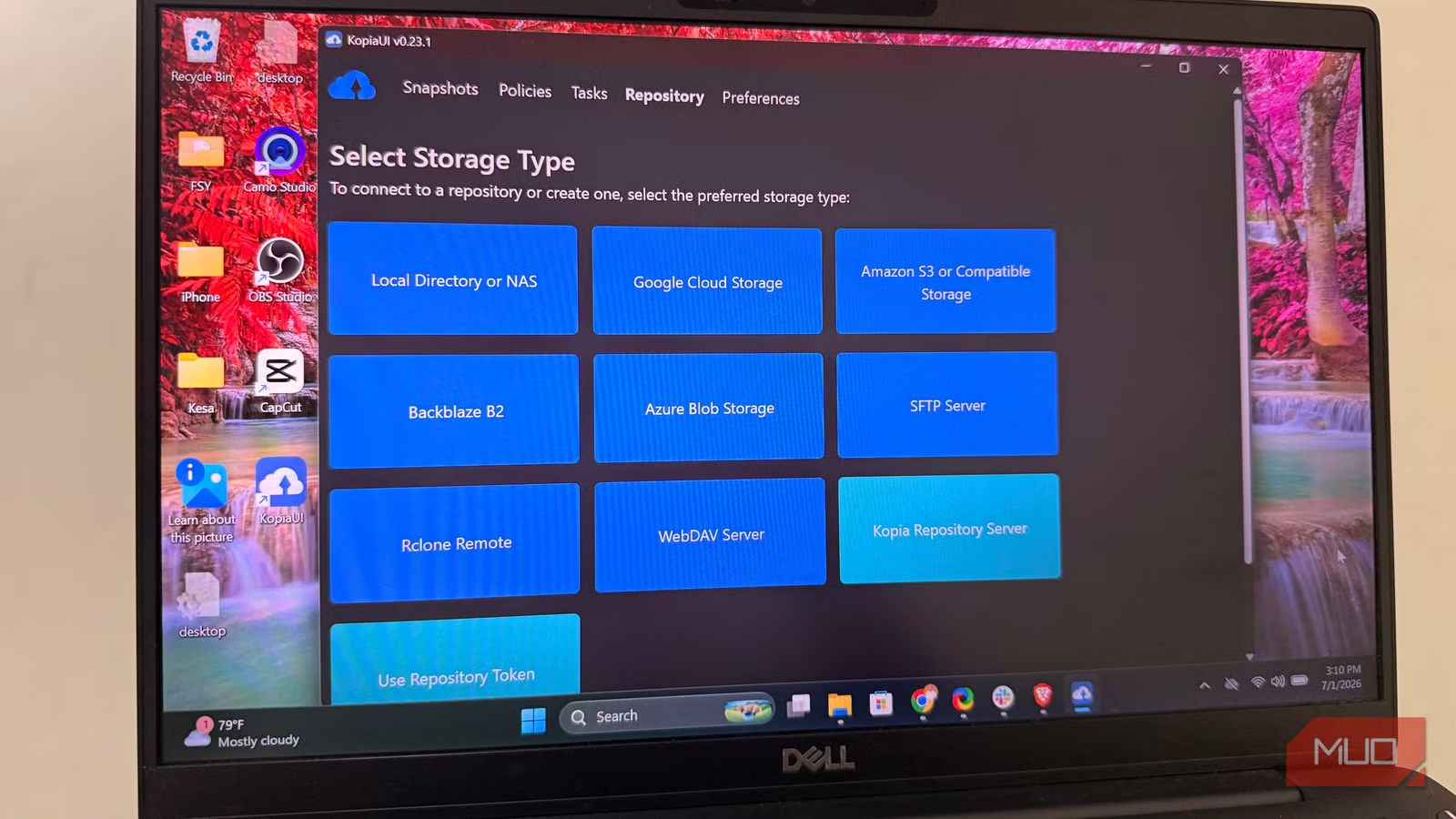
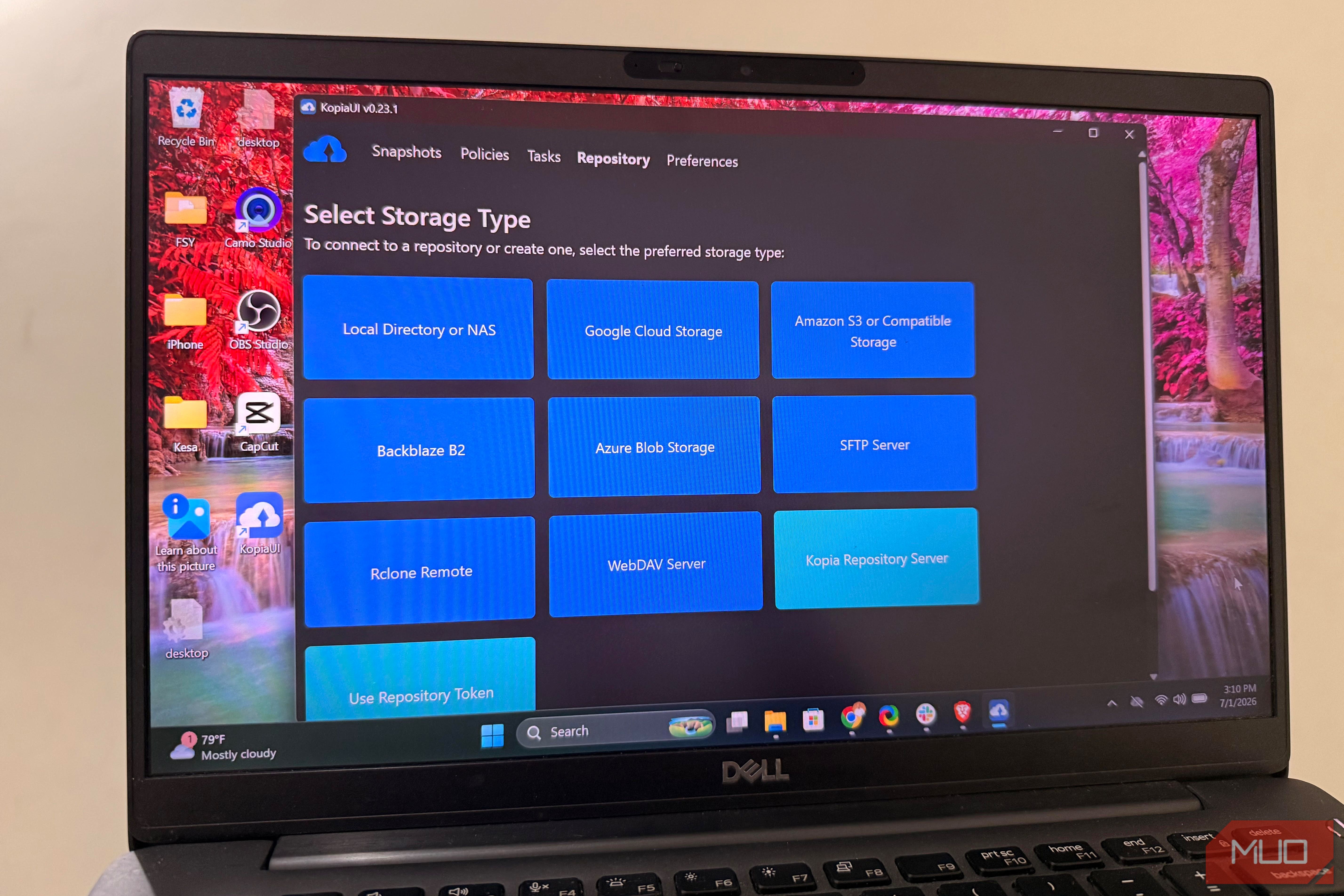
After pulling the image, creating a repository, pointing it to storage, and setting my password, I was almost done. It didn’t favor or push any specific cloud provider. I just had to choose what I wanted: local storage, a NAS, Backblaze B2, or S3-compatible storage would all work. This flexibility meant I didn’t have to restructure my homelab.
Kopia never stores or recovers that password for you, so it’s worth writing it down somewhere outside the homelab before you forget you ever set it.
Kopia required very little attention. It took just a few clicks to schedule automatic snapshots after I chose the folders and volumes I wanted to protect. When the first backup ran, I was already thinking about something totally different.
This made me curious to see what happened underneath. It uses incremental snapshots, so the only pieces that move are the changes made after the first full backup. It also uses deduplication to prevent duplicate data from being stored.
What truly won me over was how the backup snapshots could act just like real, physical drives that I plug into my computer.
It’s one of the first containers I’d deploy today
In retrospect, the mistake I made wasn’t just running my homelab without backups, but believing that fixing the gap would be a complicated project.
I believe Restic and Borg are excellent options for anyone comfortable with the terminal. However, given how I wanted to manage my server, Kopia was the better fit. It struck the perfect balance between flexible storage, encryption I didn’t have to configure myself, and ease of setup. While it didn’t magically solve the backup problem I had, it lowered the barrier just enough to make doing it approachable.
I now put a recurring reminder on my calendar to perform a test restore of a random file every few months, since a backup you haven’t verified recently is really just a hopeful guess.
Going forward, it’s become one of the first containers I would install in a homelab. The primary reason is that it reduces friction more than most of the competition.
