

Charlie Osborne/ZDNET
Follow ZDNET: Add us as a preferred source on Google.
Most of us now have a smartphone, and in the interest of safety, some parents are providing their children with devices at a young age.
Location-sharing apps have risen in popularity as a way to track the location of family and friends, pinpoint where your loved ones are on a map, and receive alerts when specific destinations are reached. They may also provide features such as SOS alerts, emergency calls, and driver behavior tracking.
However, these apps can also raise privacy concerns. They may have processes running quietly in the background; they may need persistent GPS access, and some apps, while masked as parental control software, could be used in domestic abuse and for coercive control.
Also: How to share your location on Android: 5 quick and easy ways – including by text
The question is: should location-sharing apps be based on consent? This is the idea behind HeyPolo, a new Surfshark-owned location-sharing app that aims to distinguish itself in this space as a “privacy-first” alternative to others on the market.
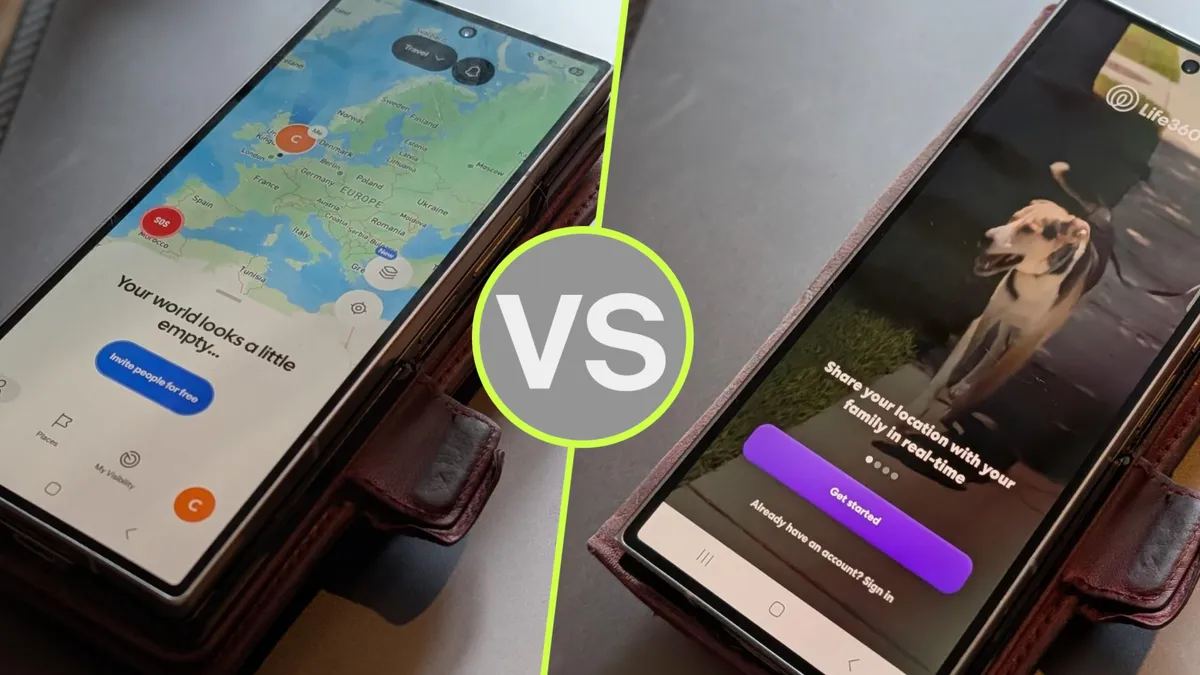
Let’s explore HeyPolo’s claims and whether this new location-sharing app can compete with Life360’s established technologies and user base.
You should buy HeyPolo if…
HeyPolo/ZDNET
1. Consent matters most
Many location-tracking and parental apps require GPS location to be continually active, and it might be difficult to untangle users from surveillance.
If you are using a location-tracking or parental control app to keep your young children safe, it’s understandable that you wouldn’t want them, or anyone else with access to their smartphone, to disable location-tracking features, rendering the app powerless. However, as children grow up, they want independence, and a 24/7 tracker on their phone could lead to tension, arguments, and a feeling of being stifled or spied upon, which does not contribute to a positive family environment.
Also: You can share your real-time location via Google Messages now – here’s how
“We wanted to build something different: a product that gives parents reassurance and gives teenagers a degree of independence, without anyone’s privacy being compromised in the process,” HeyPolo says.
You can either create a group for family and friends or join one for free, as long as you have an invitation code. Adding new members to any group is free, as long as one person in the group has an active subscription.
HeyPolo is built on consent, rather than surveillance. Users of the app can change the degree of tracking at any time, ranging from “more precise,” which reveals your exact location, trip history, and coming and going alerts, to “more private,” which turns all location services off and doesn’t allow anyone in the group to see where you are.
In addition, when you install HeyPolo, the permissions it requires are clearly displayed: location, background location, motion, push notifications, and battery optimization, the last of which is designed to stop an operating system from deep-sleeping the app and to prevent high battery usage.
2. You want an app to boost trust with your family, not erode it
One of HeyPolo’s clear benefits is how transparent the app is concerning how location tracking works, how you appear, and where your data goes.
When you install the app, you can choose how you appear on the map, and the overall process is clean and clear and asks for your permission at each stage, which for some users should increase their confidence and the trust necessary to allow a location-tracking app on their smartphone in the first place.
HeyPolo engineers say the app has been built as a supportive tool, rather than a replacement for the “conversations families need to have around trust and responsibility.”
Also: I replaced my AirTags with this ball-shaped tracker for a week, and it’s better in key ways
To reduce the feeling of constantly being watched, the app includes features that give each user greater control over what they share and when. This includes changing your visibility, turning off location tracking at any time, and choosing when to share your location based on scheduling, or just as a one-off alert.
In addition, users can set exceptions and rules for each group member: turning off location sharing entirely, providing exact locations, or restricting it to a general area.
Regarding user privacy and trust, HeyPolo doesn’t sell user data, and the organization says it never will. When you sign up for the app, you are shown a short data-sharing policy that is easy to read, which is also far clearer than Life360’s novel, and you can choose whether you are happy for the app to collect aggregated user data for analytics or to use data for marketing purposes.
3. You want to back developers focused on preventing abuse
I tested the app during development, and I was able to provide suggestions for improvement prior to its release. One of my concerns was the potential for abuse, as stalkerware installation and location tracking are common methods for people conducting domestic abuse to control others.
Every new technology can be abused, but given that location-sharing software uses GPS to pinpoint your location, it is crucial that safety measures are in place to at least mitigate the risk.
When I caught up with the engineers behind HeyPolo and asked about the possibility of future updates including measures such as blocking circle members or quietly pausing tracking, they said that ways to prevent abuse in domestic violence settings are “something we’ve continued to think carefully about, and it’s firmly on our roadmap.”
While the team is currently working through improvements to the app to include driving behavior monitors, status updates, and in-app calling, “protecting users from coercive or abusive use of the product is a core part of how we think about HeyPolo, and it will be reflected in the product as we build it out.”
You should buy Life360 if…
Life360
1. You want always-on connectivity
You can join groups with an invitation code or start your own groups with family and friends. The required permissions are: location (precise, all the time), physical activity, notifications, and Bluetooth. The app is clear and transparent about the smartphone functions it needs access to. However, you have to turn off battery optimization for location sharing to work, or the app’s background processes won’t work properly.
Life360’s approach to location tracking is more traditional than HeyPolo’s. When the app is installed and you’ve entered a circle, location tracking must be on, and there are no scheduled or timed tracking sessions.
Also: Every way your phone tracks your location – and how to stop it
An advantage of Life360 that I like is the option to add pets to your group by registering pet-appropriate GPS tracker collars. You can also add Tile devices to track the location of objects like your wallet, keys, or luggage.
While children, or other adult users, can disable the location services on their smartphones to avoid being tracked or log out, changes are flagged to other group members. Alerts can also be sent when there’s a “no-show,” a circle member has not arrived at a set destination when they are expected.
2. You need advanced features, including driver monitoring
Life360’s extensive list of additional features can’t be ignored. Simply put, the range is impressive.
There is a standout list of features included in paid subscriptions that has transformed the app from just location sharing to driver monitoring, emergency response, and even ID theft protection, making Life360 more of a personal security app than a standalone location tracker.
Among Life360’s features are:
- Location tracking 24/7, location history, place arrival alerts, and real-time updates
- SOS emergency assistance and disaster response
- Pet and object GPS tracking
- No-show alerts
- Crash detection
- Driver monitoring
- Credit monitoring
- Weather alerts
- Stolen phone reimbursement, ID theft protection, and crime reports
One of the key benefits of Life360 is the app’s driver features. It can be a worrying time when your teenager first starts driving, which is why the organization offers a full set of options designed specifically for these scenarios.
Also: This Bluetooth tracker uses LoRa mesh networks to find things – and I couldn’t believe the accuracy
It’s like a black box for driving, in a way, as the app provides reports and summaries on driving habits, including phone usage (“distraction”), speeds (“rapid acceleration”), and hard braking. However, it’s not just about monitoring: there’s also 24/7 roadside assistance, plus collision and dispatch crews in emergencies.
3. You want a free location-sharing app
While HeyPolo allows unlimited guests to join existing groups, at least one person in the group has to have a paid subscription. Life360, however, offers a free, fully functional app for iOS and Android.
Also: The best Bluetooth trackers of 2026: Our top picks to keep tabs on your stuff
The free plan provides the same basic functionality as paid plans, but it is limited to two days of location history, two registered “place” alerts, family driving summary only, and Tile tracking support. To access advanced features, you will need to pay for a subscription.
If you just want a location-sharing app for use between friends, for example, Life360 could be the best option, especially as you don’t need to pay for the service.
Writer’s choice
My personal choice would be HeyPolo. As I was able to provide some feedback during the development of this app, I acknowledge that this may influence my perspective on existing location tracker apps on the market, but there are also many tech products and apps I have tested and provided feedback on in the past that I wouldn’t recommend today.
Also: I hid 4 Bluetooth trackers (including AirTags) to test their reliability – here’s how Android rivals compared
HeyPolo’s approach to location tracking and user privacy is what makes this app stand out on its own merits. User-friendly maps, transparent data-sharing policies and permission requests, and control handed over to the user to manage their own location-sharing preferences are all reasons I would opt for HeyPolo over Life360.
However, as a newly minted app, it is still in active development, and so you won’t have the advanced features offered by competitors, including Life360, such as driver management and reporting. And while there is a way to use the app for free, there’s no standalone free plan. So, if you need driver-related features or you want disaster response and medical assistance, you might prefer Life360.
Specifications
HeyPolo
Life360
Operating systems
Android, iOS
Android, iOS
Connectivity usage
GPS, Wi-Fi, cellular, and motion data
GPS (always on), Wi-Fi, cellular, Bluetooth, and motion data
Real-time tracking and alerts
Yes
Yes
Granular user location tracking controlYesNoGPS accessory supportNoYesDriver trackingIn developmentYesFree planInvite onlyYesStarting price$0 to $1.99/month
$0 to $7.99/month
