

Up until a few months ago, my biggest complaint with AI tools was the fact that they were getting more and more expensive to use, and the free tiers simply didn’t cut it anymore. I’ve since accepted that there’s no escaping paying for these tools now, and I’ve begun to write them off as a work expense. Girl math, I know.
My current complaint, though, is the fact that even the higher-tier plans come with absurd limits. Anthropic, as you’d imagine, is at the top of my hit list. I’m on Claude Max, and I’m constantly hitting my session limits. Claude Design, which the company launched a couple of weeks back, was particularly greedy when it came to consuming my usage. What’s funny is I’d burn through my weekly limit for the product before I had anything I would actually be able to use! That’s when I went looking for a way out, and I fortunately landed on an open-source Claude Design clone that has me convinced I’ll never need to open the real thing again.
Open Design is built on the same bones as Claude Design
Same loop, minus the leash
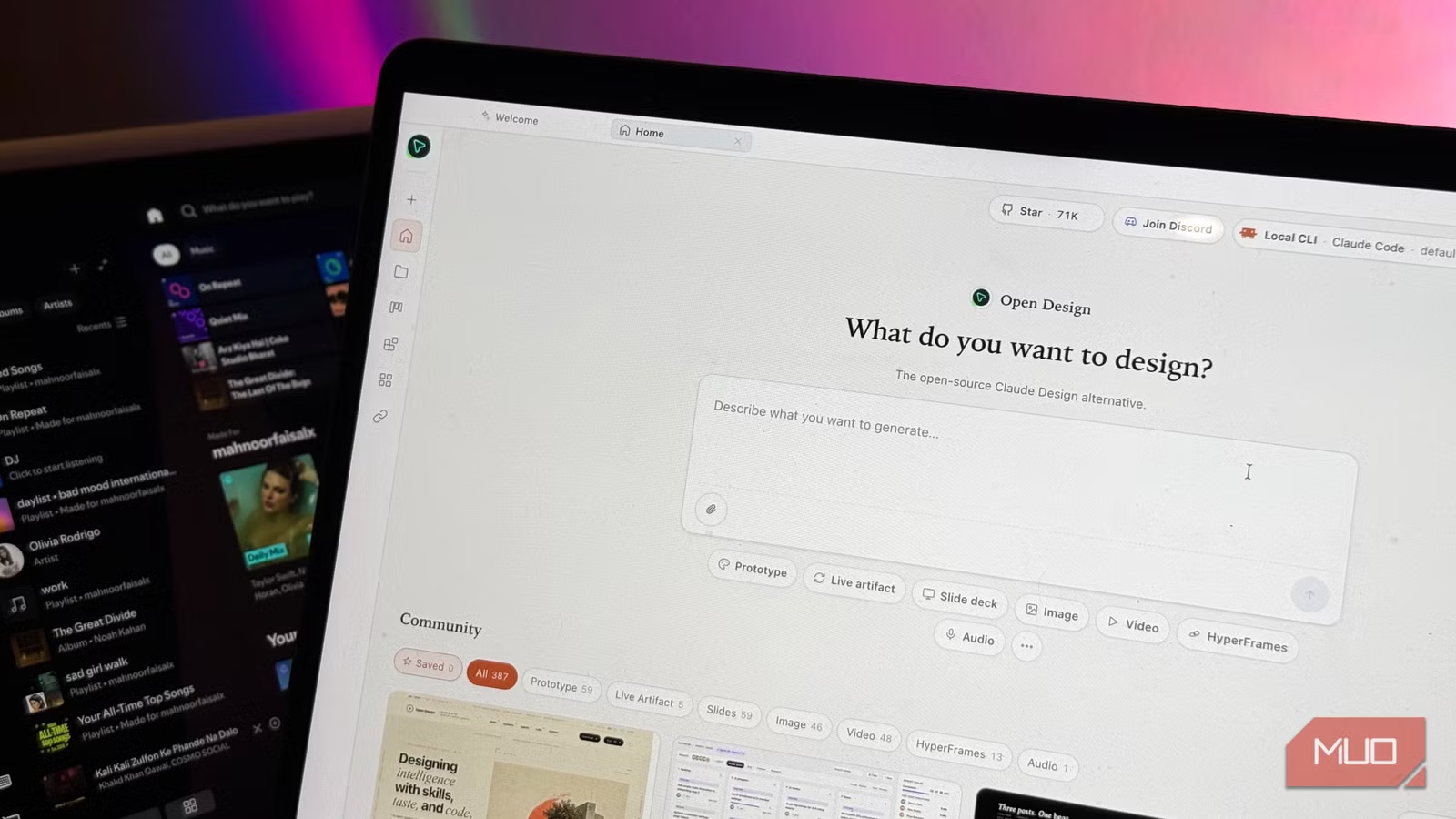
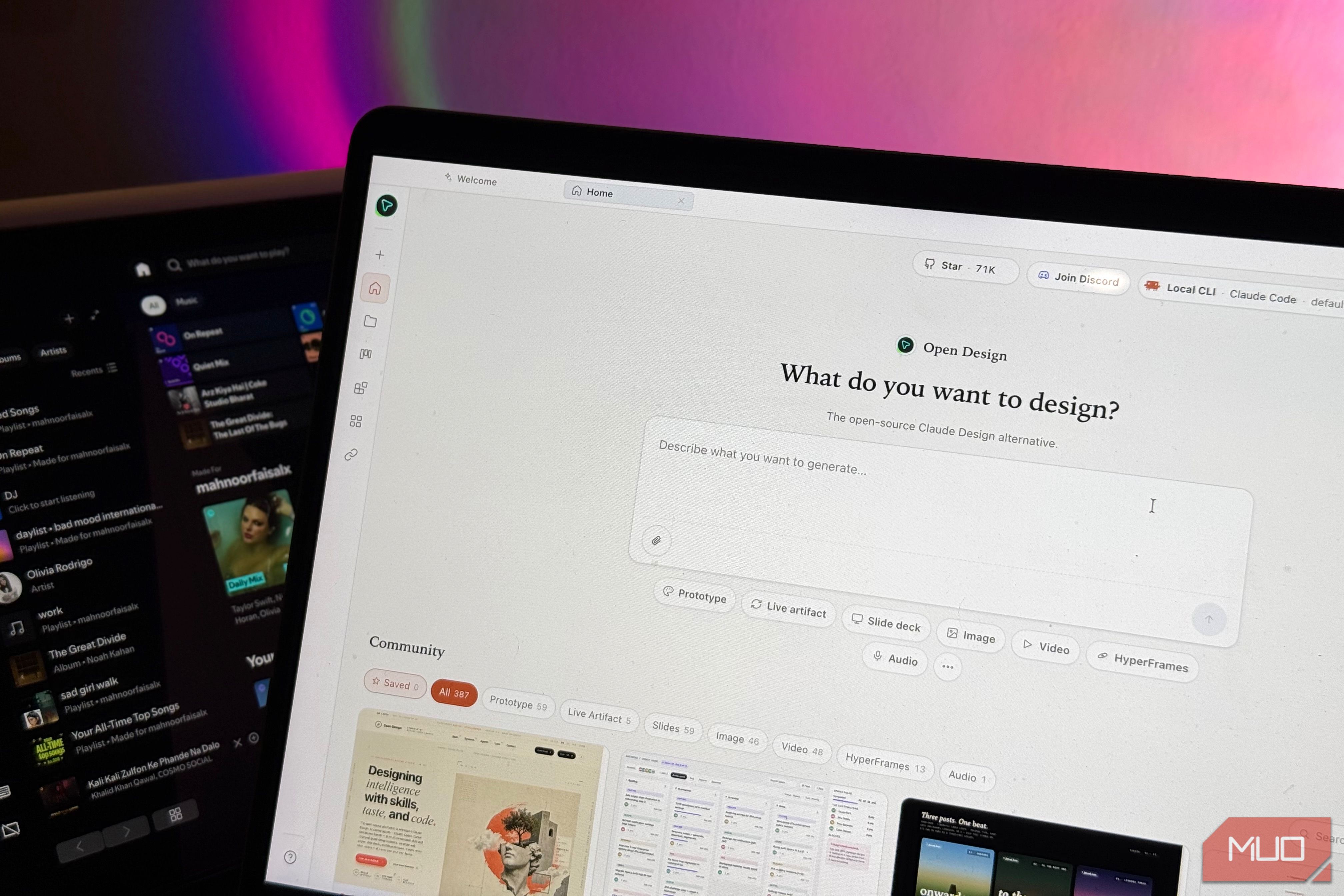
Open Design is an open-source, local-first alternative to Claude Design. The tool has been published by the nexu-io team under the Apache-2.0 license, meaning the source is yours to read, fork, and self-host. Before I get into what Open Design does and offers, let me quickly recap what Claude Design actually is, in case you’ve managed to avoid the launch hype. The tool is built around the idea of you describing exactly what you want, and getting back a finished design artifact instead of a wall of text about how you could design it yourself. You can also edit the design right there, iterate on it through chat, and export the finished thing to PDF, PPTX, Canva, or even hand it off to Claude Code once it’s where you want it. Open Design is built on the exact same idea (you describe, it builds, you iterate), except instead of running on Anthropic’s servers and Anthropic’s model, it hands the job to whatever coding agent you’ve already got installed.
That means Claude Code, Codex, Gemini CLI, OpenCode, etc. It auto-detects whatever’s already sitting on your machine and wires it into the design workflow, which means there’s not too much configuration required from your end. Open Design runs on a BYOK (Bring Your Own Key) model, meaning you supply your own access to whatever AI model does the actual work, and you pay only for that usage on your own account rather than a separate subscription on top. But rather than forcing you to paste in an API key, it can also just lean on the credentials of a coding agent you’ve already signed into. So if you’ve got Claude Code or Codex authenticated on your machine, Open Design rides on that existing setup instead of asking you for anything new.
The developers explained that the whole point was to take the agent-native loop Anthropic shipped with Claude Design and strip out the parts that locked you in. Claude Design went viral when it launched, yet stayed closed-source, paid-only, cloud-only, and tied you to Anthropic’s own models. Open Design keeps the exact same loop and the same artifact-first approach, just without any of that.
When it comes to configuration, there are a few ways you can get Open Design running, depending on how much setup you’re in the mood for. You can grab the prebuilt desktop app, install it straight into your coding agent as an MCP server, spin it up in Docker, or clone the repo and run it from the source. While you’ll find instructions for each route on the product’s GitHub repository, I went with the run-from-source route and let Claude Code do all the heavy lifting for me by asking it to set it up for me. Keep in mind that despite letting Claude Code set it up for me, I still have the freedom within the interface to pick which agent drives each design session, meaning I’m not locked into Claude Code just because it did the install. The daemon scans your PATH and surfaces whatever it finds (Claude Code, Codex, and so on), and you choose per session from there.
Its design systems and skills are why I stopped missing Claude Design
Two layers doing all the heavy lifting
What’s special about Open Design is that it isn’t solely built around you giving it a prompt and hoping the output looks good. It leans on two things working together: design systems and skills. The design systems are the “what it should look like” layer — each one is a single file describing a brand’s colors, typography, spacing, motion, and voice. 150 of these design systems come bundled into the tool out of the box, covering recognizable names like Linear, Stripe, Vercel, Slack, H&M, Apple and Figma. The skills are the “what you’re actually making” layer, and over 100 of them come bundled with the tool. Each one is essentially a recipe for a specific kind of artifact (landing page, dashboard, mobile app mockup, pitch deck, and so on).
You can also bring in your own brand instead of relying on a bundled design system! For instance, I fed it MUO, and it nailed it. Open Design pulled MUO’s entire visual identity into a design system: the signature red accent, the typography, the spacing, the overall editorial feel. To then put it through its paces, I asked it to turn one of my recent articles into a pitch deck using that freshly extracted system. What I really liked here is I didn’t have to jump through hoops, add files myself, or toggle on settings to signal Open Design that I wanted to use MUO’s design system. Instead, all I did was tell it I was designing the deck for MakeUseOf, and it automatically pulled in the design system it had just extracted.
The slide deck it ended up generating was great too. The MUO red ran through the category tags, the highlighted phrases, and the section numbers! My byline and publish date were on the cover, and the whole thing looked like a well-designed presentation. It even generated slide-specific footers and laid out the spec-heavy slides with oversized stat figures, rather than just dumping my text onto a blank background. That 12-slide deck was the first-pass output, and I think it was usable straight out of the gate with zero manual cleanup from my end needed.
That said, I did go in and poke at the editing tools afterwards to see how they hold up against Claude Design. The good news is that Open Design carries the same core editing model: you can edit elements directly, select a specific piece and iterate on just that part through chat, or make broader changes across the whole artifact by chatting with it.
It worked fairly well, and the complaints I have here are mostly akin to Claude Design, like the changes taking too long to show up and the occasional edit not landing quite the way I’d described it on the first try.
You get almost identical outputs and model flexbility
Something I’ve been heavily relying on Claude Design for is creating stories for my Instagram account. Every weekend, right after I send a newsletter for MUO’s sister site, XDA, I generate a batch of Instagram Stories to promote that week’s issue. Unfortunately, Claude Design has disappointed me a lot throughout that process. On top of constantly hitting limits, the editing workflow has been clunky, and despite using it for multiple editions, I still find myself repeating myself every time (which feeds right back into why I hit my Claude Design limits so quickly). So I pasted the exact same prompt into Open Design to see how it’d hold up — and surprisingly got a completely workable output on the first pass. So it’s clear that Open Design is fairly good at what it does.
Now, I have absolutely nothing against Claude Design, and I think Anthropic is one of the few AI companies doing it right these days, and they’re always launching something impressive. However, the usage limits have become impossible to ignore, and when a free, open-source tool gets me this close to the same result without necessarily needing to use them, it’s hard to justify burning a paid plan’s weekly cap on work I do every single weekend. I’ve admittedly been using Open Design via my Claude plan, but at least I have the freedom to switch. If I want to lean on my Claude plan, I can. But I can just as easily point Open Design at a different model or agent entirely, which is exactly the kind of choice Claude Design never gave me.
