

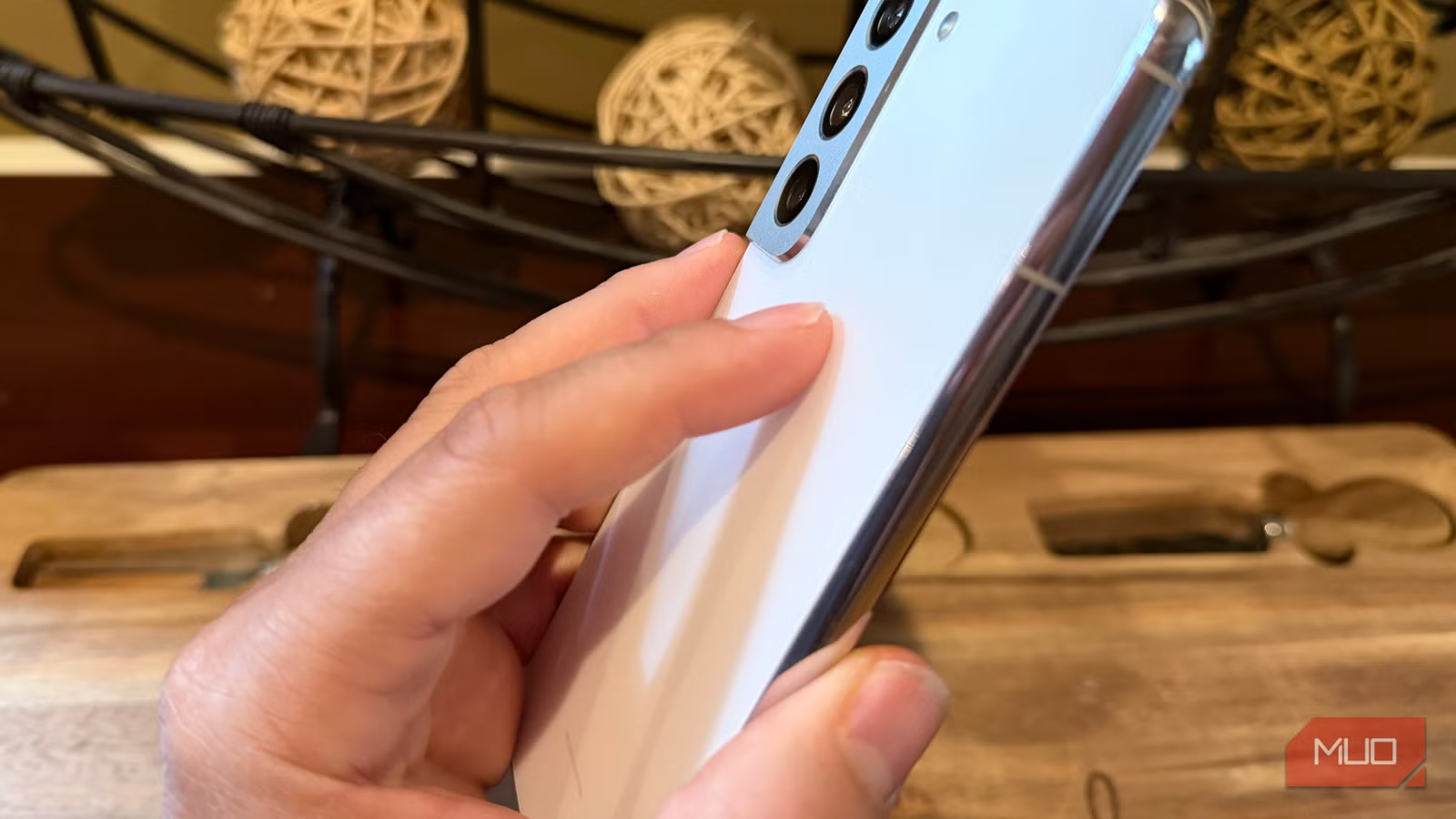
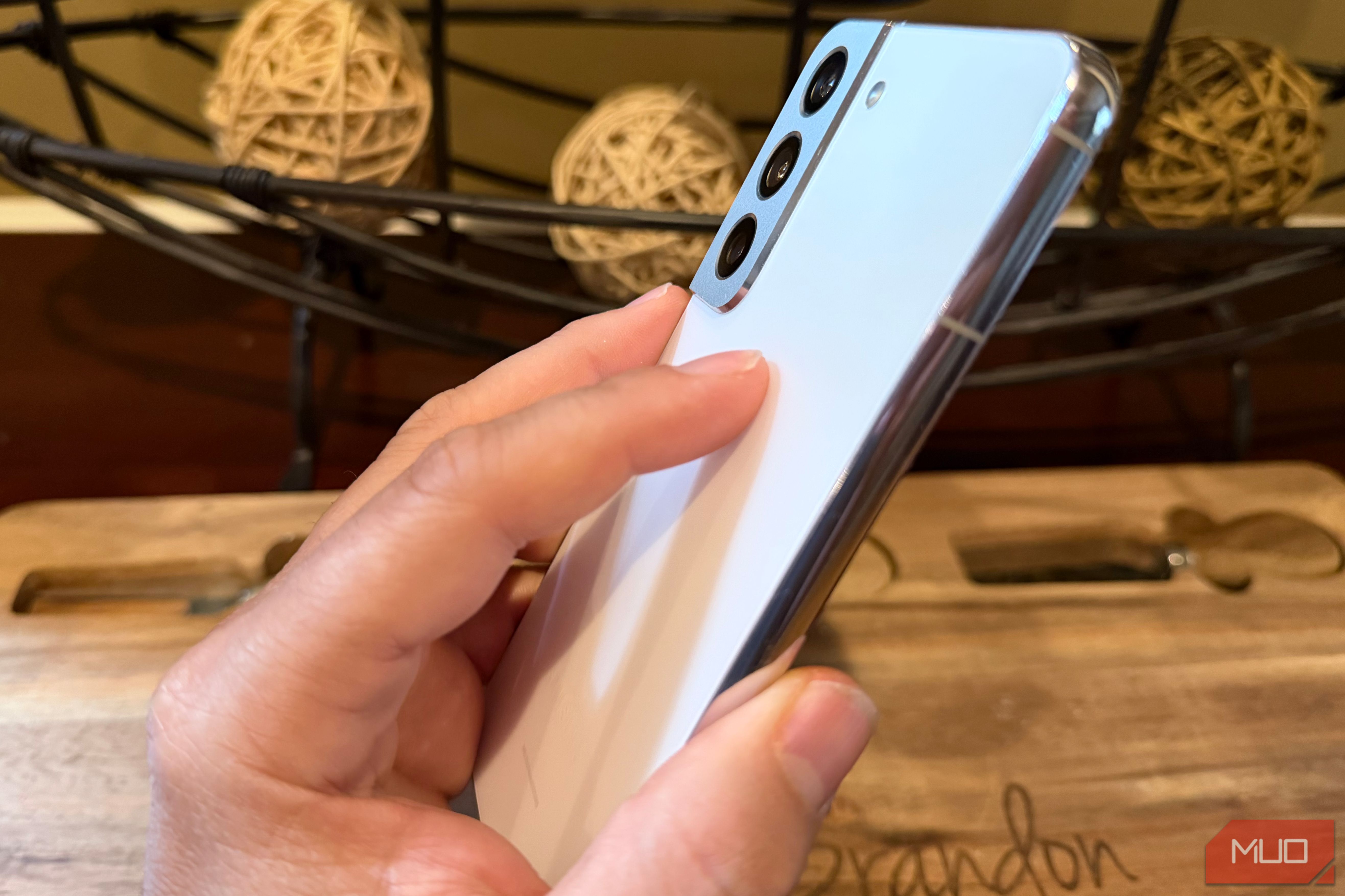
For years, the iPhone feature I missed most on Samsung was Back Tap. On Android, it’s even better. A double tap turns any app into a floating window so I can multitask like a pro. A triple tap fires off a screenshot and opens the share sheet in one motion — because when you grab a screenshot, you usually want to send it anyway.
Launch any app, open your notification panel, trigger the flashlight — once you map a few taps, you’ll wonder how you lived without it. It’s also one of the most natural shortcuts you can do since you are probably resting your index finger on the back of your phone everytime you hold it—why not turn that into a producivity boost by settings up back-tap on your Samsung Galaxy?
Related
I’ve used Samsung for years, but these 5 features make me feel like a pro
It’s sad that most Galaxy users never find or try these features.
First, open Good Lock and install the RegiStar module
Once again, Good Lock is a powerful customization tool
Credit: Brandon Miniman / MakeUseOf
You most likely already have Good Lock installed on your Samsung. Open it, then search for and install RegiStar, or here’s the direct download link. For this to work, you must have Android 13 or newer, and you must be running a device with OneUI 5.0 or newer.
Then, pick your back-tap action
Credit: Brandon Miniman / MakeUseOf
There’s a section to customize both the double tap and triple tap action for back-tap.
I like to set double-tap to the most common action I do (Take screenshot and share), and for my triple-tap action, I set up “Start Pop-Up Window” which takes almost any Android app and turns it into a floating mini app that you can keep on top of any other app. This is perfect for calculator or any other tools or utilities like calendar — any time you need to reference or use a tool while using another app behind it.
Tap to turn any app into a floating app
And multitask like a pro
Credit: Brandon Miniman / MakeUseOf
Now, with a firm triple tap of the back of my Galaxy, I can take any app, like calculator, and turn it into a floating (and resizeable) app that I can use on top of any other app. Because Android has such a robust app resizing framework, the vast majority of apps on your phone nicely scale down to a smaller size, making them perfect for floating windows.
Tap to take a screenshot and then instantly share it
Does both things at once
Credit: Brandon Miniman / MakeUseOf
For my triple-tap action, I have RegiStar take a screenshot and secondarily open the share sheet (since any time you take a screenshot, you’re probably going to share it anyhow).
Tap to open any app without going back to your launcher
It’s like unlocking a hidden app launch button
Credit: Brandon Miniman / MakeUseOf
Another great way to use back-tap is to set it up to launch any app you want. Perhaps a double tap opens your favorite messaging app, and a triple tap opens your bank app.
Of course, you can mix and match these by have one tap action open an app and the other one can perform another action. Like maybe double tap opens your texting app, then you keep the triple tap to turn any app into a floating window.
Back-taps are more natural than other shortcuts
Better and faster than Edge Panels
Credit: Brandon Miniman / MakeUseOf
You’re probably holding your phone right now in your dominant hand with your index finger resting on the rear of your phone. In other words, your finger is almost always in position to do a back-tap action.
While it’s true you can launch many different shortcuts and functions with Samsung’s awesome Edge Panel interface (and even turn it into a productivity powerhouse), the truth is that swiping the Edge Panels open is a lot less intuitive than back-tapping the rear of the phone.
You can even link different fingers to open different apps via the fingerprint sensor, but that’s also less natural than back-tapping your phone when your index finger is almost always resting on the back of your phone when you hold it.
Back-tap makes it faster to perform key actions on your phone
Makes one-handed use a dream
Credit: Brandon Miniman / MakeUseOf
This is a really powerful enhancement to your Samsung phone just as long as you think about the actions you often perform, especially ones that require multiple steps like taking and sharing screenshots. Instead of performing finger gymnastics to do these functions, you can simply tap the back of your phone with the same hand you’re using, and your Galaxy will brilliantly perform these shortcuts.
However, I should point out that while Samsung’s back-tap is more feature-rich than other Android phones that have this, back-tap is now available on almost every Android phone through the accessibility menu.
8.5/10
SoC
Snapdragon 8 Elite Gen 5
Display
6.9-inch Dynamic Super AMOLED 2X
