

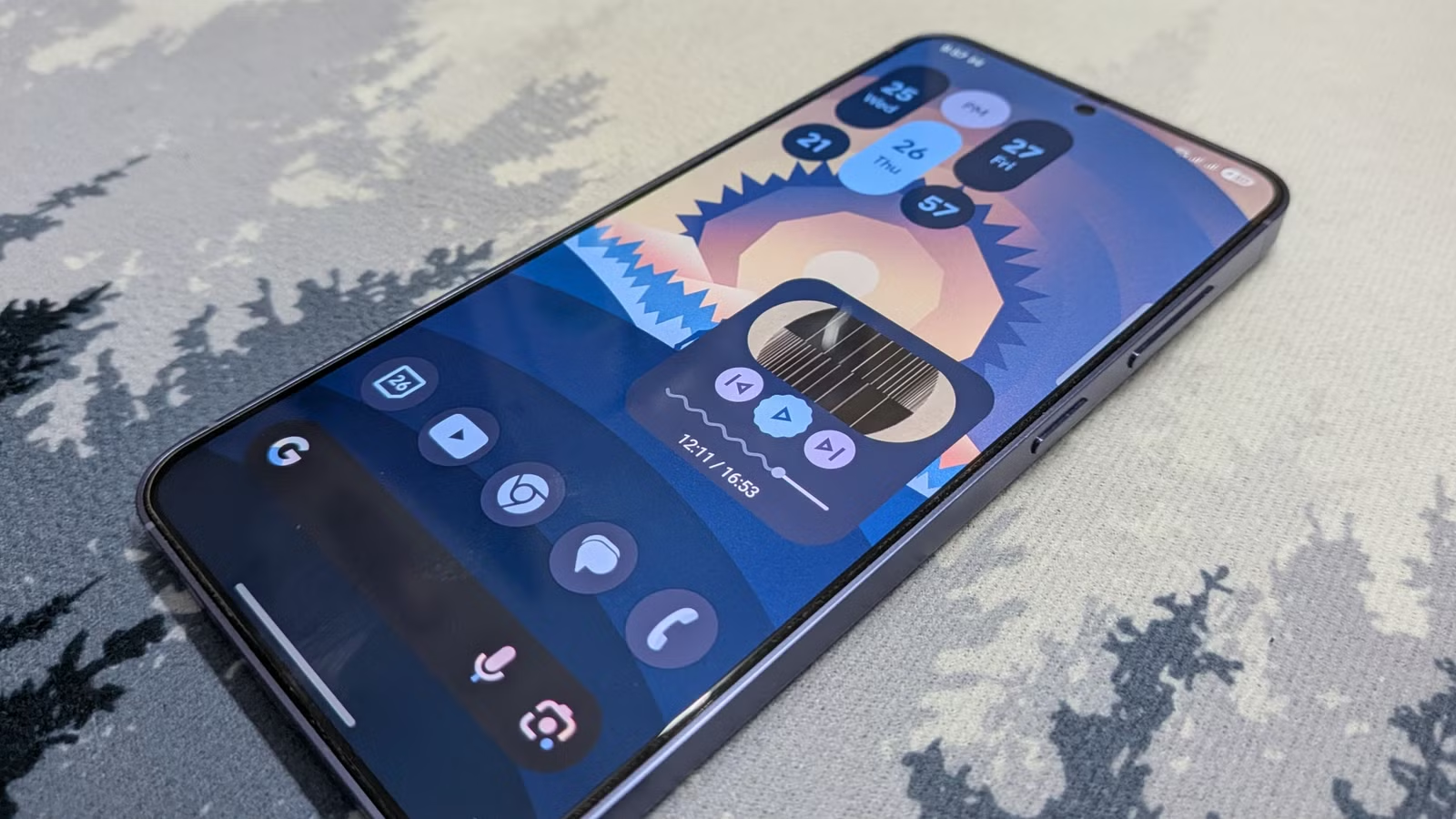
One of the biggest selling points of Google Pixel phones has always been the software. Google’s approach has always been refreshingly simple: clean visuals, a handful of genuinely useful features, and very little unnecessary clutter.
The good news is that you don’t need to buy a Pixel to enjoy most of what makes these phones special. Thanks to a handful of free apps, you can recreate much of the Pixel experience on almost any Android phone. Here’s how.
Lawnchair is a powerful Pixel launcher that forms the foundation
The essential interface layer
If you’re looking for a single app that will do most of the heavy lifting in transforming your phone into a Pixel, look no further than Lawnchair.
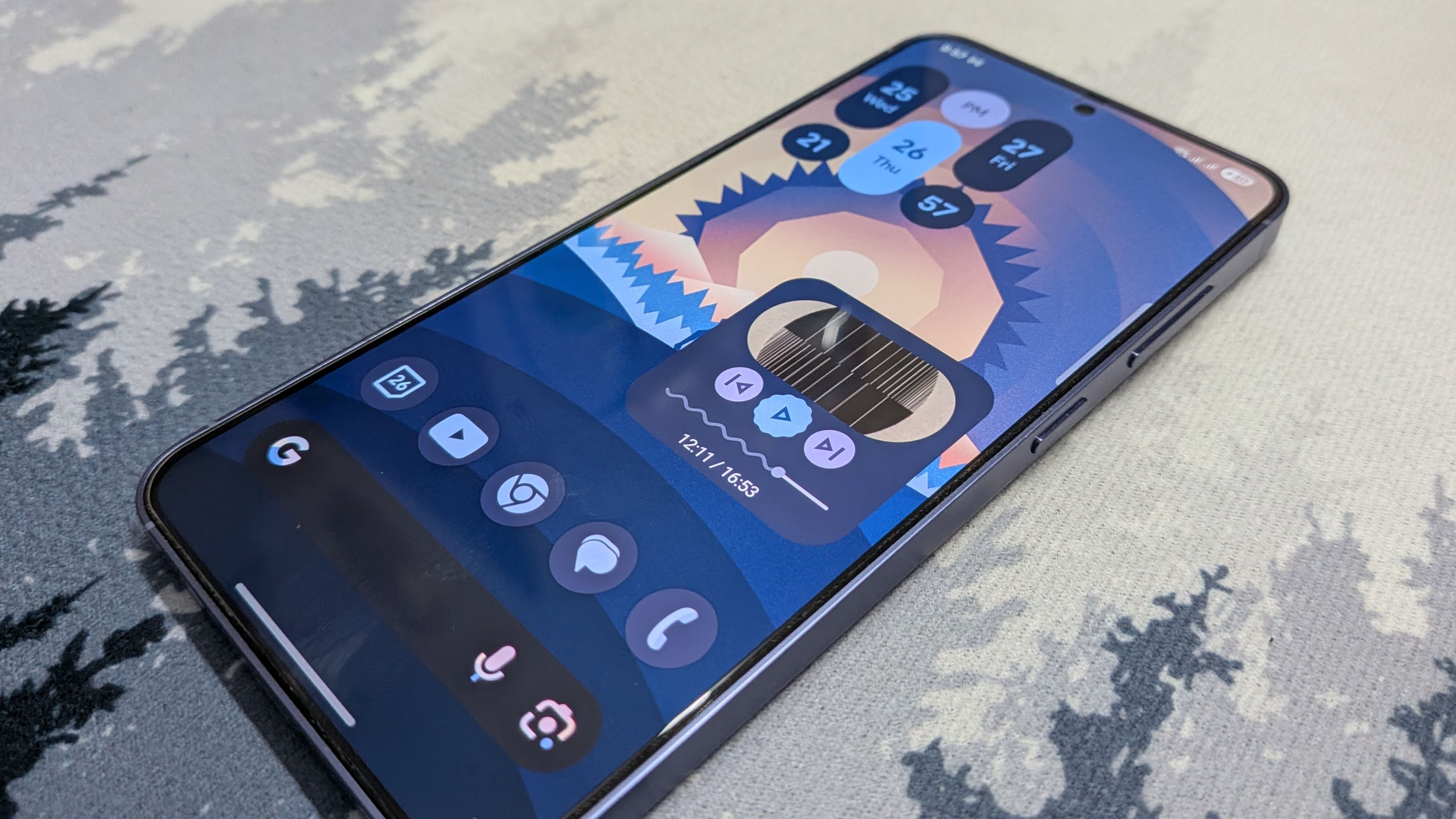
This powerful launcher is designed to mirror the look and feel of Pixel’s stock launcher, except it’s arguably even better thanks to the wider scope of customization it provides.
Much like Pixel software, Lawnchair is built on top of Material You, the design foundation that transforms your entire system using a single color palette extracted from your wallpaper. To get the most out of this feature, make sure to use one of the native Pixel wallpapers in combination with Lawnchair.
Lawnchair also adds the persistent Google search bar at the bottom and, more importantly, the “At a Glance” widget at the top, which is a powerful context widget that displays the time, date, weather, calendar appointments, and more.
Lawnchair’s “At a Glance” integration is solid if you’re aiming for a stock Pixel experience without messing with system permissions, but if you want to take it to the next level, you can install Smartspacer. It’s a more powerful, customizable upgrade over the vanilla Pixel feature.
As a testament to Lawnchair’s success, the app has already seen over 500,000 downloads on the Play Store, despite still technically being in beta. As far as aesthetics are concerned, Lawnchair is the closest you can get to transforming a phone into a Pixel without rooting or flashing a custom ROM.
SoC
Google Tensor G4
Display
6.3-inch Actua display
The Google Pixel 10a is a barely updated version of the Google Pixel 9a, with a slightly brighter screen and an upgrade from Gorilla Glass 3 to Gorilla Glass 7i. Google has shaved the remaining few millimeters from the camera bump, making it completely flat. Unlike prior versions of the Pixel a series, this model year does not share the same Tensor processor as the mainline Pixel 10.
Lawnicons adds the Material You Pixel aesthetic to the launcher
Dynamic visual harmony in your app grid
As powerful as Lawnchair is, it falls a bit short in one particular area: icons. Although the app supports custom icons, it doesn’t actually come pre-loaded with any icon pack that lets you take full advantage of Material You-themed icons on your home screen and in the app drawer. Unsurprisingly, the only app icons that follow the Pixel style by default are Google’s own.
To fix this half-themed look, the same developer team behind Lawnchair has released the Lawnicons icon pack, which replaces default icons with monochromatic vector designs for nearly all popular apps, such as Reddit, Discord, LinkedIn, and more.
Lawnicons can also automatically adapt to dark mode and the accent colors of your wallpaper, making it essential if you want to achieve a more uniform Pixel-like look.
Core Google apps (Phone, Messages, and Gboard)
Streamline your daily tools
Credit: Joe Fedewa / Justin Duino / How-To Geek
Most Android phone brands already rely on Google’s (in my opinion, superior) suite of core apps: Phone, Google Messages (for SMS/MMS), and Gboard. And for good reason. These apps are clean, intuitive, and carry the signature Material Design that makes them a core part of the Pixel experience.
If your phone already uses Google’s apps for these functions, you don’t need to install anything. However, other brands (most notably Samsung) use their own proprietary alternatives instead. Samsung has already admitted defeat in the messaging space and is replacing Samsung Messages with Google Messages in July, so if you’re on Samsung, that decision has already been made for you.
But for the keyboard and dialer, you should absolutely replace Samsung’s (or whichever brand you’re using) versions with Google’s to get a more Pixel-like experience.
Related
I made my Samsung Galaxy look more like a Pixel than my Pixel 10
The Pixel aesthetic doesn’t have to be exclusive to Pixel phones.
Sideload Gcam for the Pixel-like camera experience on any phone
Bring Google’s computational photography to your sensor
Credit: Justin Duino / How-To Geek
Pixel phones are famous for their best-in-class cameras. But the magic behind those sharp, contrasty landscape photos with incredible dynamic range isn’t actually in the sensor—it’s in the software and processing that processes the photo after you tap the shutter button.
Luckily, much of that famous Pixel look can be replicated using Google’s camera app, commonly referred to as “GCam.”
The catch is that you can’t just open the Play Store and download it. You’ll usually need to sideload it from a trusted third-party source.
Since the stock GCam is optimized for Pixel hardware, you’ll often also need a device-specific XML file to get the best results. Alternatively, you may find a GCam build that already includes a profile for your phone, but you should be careful about where you download APKs from to avoid potential security risks.
It’s also worth noting that you likely won’t be able to take advantage of secondary lenses on your camera, like the telephoto and ultrawide.
Grabbing the gorgeous, exclusive forecast interface
Credit: Ismar Hrnjicevic / How-To Geek
There are lots of weather apps to choose from, but Pixel has one of the most useful and best-looking weather apps and widgets out there. It’s an app that you likely interact with regularly, so if you want your phone to feel more like a Pixel, this is a must-have.
The Pixel Weather app uses big, bold fonts and prominent alerts for current weather events, combined with simple yet adorable forecast icons. It also includes useful information such as the UV index, humidity, visibility, and more. Best of all, there are no ads or other clutter that so many free weather apps suffer from.
Unfortunately, Google doesn’t make it easy to install the app on non-Pixel phones, so this is yet another APK you’ll have to find online and sideload. The good news is that it’s much easier to find and install the correct version than GCam.
Switch to Google’s app catalog for an even more Pixel-esque experience
Completing the transformation with stock system utilities
Credit: Jerome Thomas / How-To Geek
Now that you have the launcher, icons, core apps, camera, and weather app, the only thing left is to install the many other Google apps that can replace your phone’s proprietary ones. Once again, many brands already rely on Google’s apps, but Samsung in particular ships with a relatively large number of its own alternatives that you may want to swap out in favor of Google’s versions to get the ultimate Pixel experience—some of which you may not have even thought to replace.
This includes essentials like Clock, Calendar, Keep, Calculator, Health, Home, and even Files (though that one might be better replaced by Material Files).
All of these apps follow Google’s Material You design language, so they’ll feel right at home on your newly Pixel-ified phone.
Enjoy the Pixel experience without buying a Pixel
If you’ve always wanted the colorful and fun yet simultaneously clean interface of Pixel phones but aren’t sold on Pixel hardware, there’s a surprising number of apps that can make that happen. While this list covers the major tweaks, there are also more advanced modifications you can explore to make your phone feel almost indistinguishable from a Pixel—maybe start by looking into Essentials on GitHub?
Related
You shouldn’t own a Google Pixel if you aren’t using these 6 exclusive features
Pixel phones are brimming with useful exclusive features you ought to be using.
