

PDF editing software has a weird hostage situation going on. You need to fix a date on a contract, merge two files before a deadline, or sign something without printing it, and somehow that basic need translates into a $20-a-month subscription you’ll forget to cancel. Adobe built a good product that keeps getting more expensive, but it’s priced for legal departments, not people who open a PDF twice a month. PDFgear is the version of this that doesn’t charge you for basic editing.
Related
This Free App Is a Game Changer for PDFs on Windows
Say goodbye to paying for a PDF app.
Premium PDF paywalls go too far
Paying monthly to fix a typo is absurd, and everyone knows it
Jorge Aguilar / MakeUseOf
PDF has been the default format for sharing fixed-layout documents for decades, but the software around it has gotten genuinely frustrating. Adobe Acrobat and its competitors lock the most basic features behind expensive subscriptions. Some are easily $13 to $25 a month, or $180 to $300 a year, just to do simple editing.
Big companies with complex workflows can probably justify that cost. But if you just need to fix a typo, merge a couple of pages, or sign a contract a few times a year, a large bill makes no sense. Buying software once and owning it is quickly becoming a thing of the past, replaced by monthly fees that don’t match how most people actually use these tools.
Trying to dodge those fees often leads somewhere worse. The internet is full of “free” PDF editors that reel you in and then hold your document hostage. I’ve spent a lot of time looking for a quick fix, only to find that exporting requires an upgrade, slaps a watermark across the page, or quietly enrolls you in a recurring charge buried in the trial terms.
Even when something is genuinely free, it’s usually a web app, which creates a whole different problem. Uploading your tax return, a legal agreement, or medical records to some third-party server just to make a minor edit is not a reasonable trade-off. Server misconfigurations and data breaches happen, including affecting services people trust.
That’s exactly why a free, fully local alternative is a necessity, not just a nice-to-have. People need something that handles the basics like direct text editing, OCR, and document signing without hidden paywalls or sending your private files anywhere.
You shouldn’t have to choose between an Adobe subscription, a freemium trap, or handing sensitive documents to a stranger’s server just to change a line of text.
Move to PDFgear for free editing
It’s free, it’s local, and it doesn’t require you create an account to use it
A good alternative to Adobe Acrobat is PDFgear. It is completely free, which means no hidden costs, no recurring fees, no freemium nonsense. You can grab it from their website or your OS app store. Installation is painless and never asks for an account, a login, or a credit card.
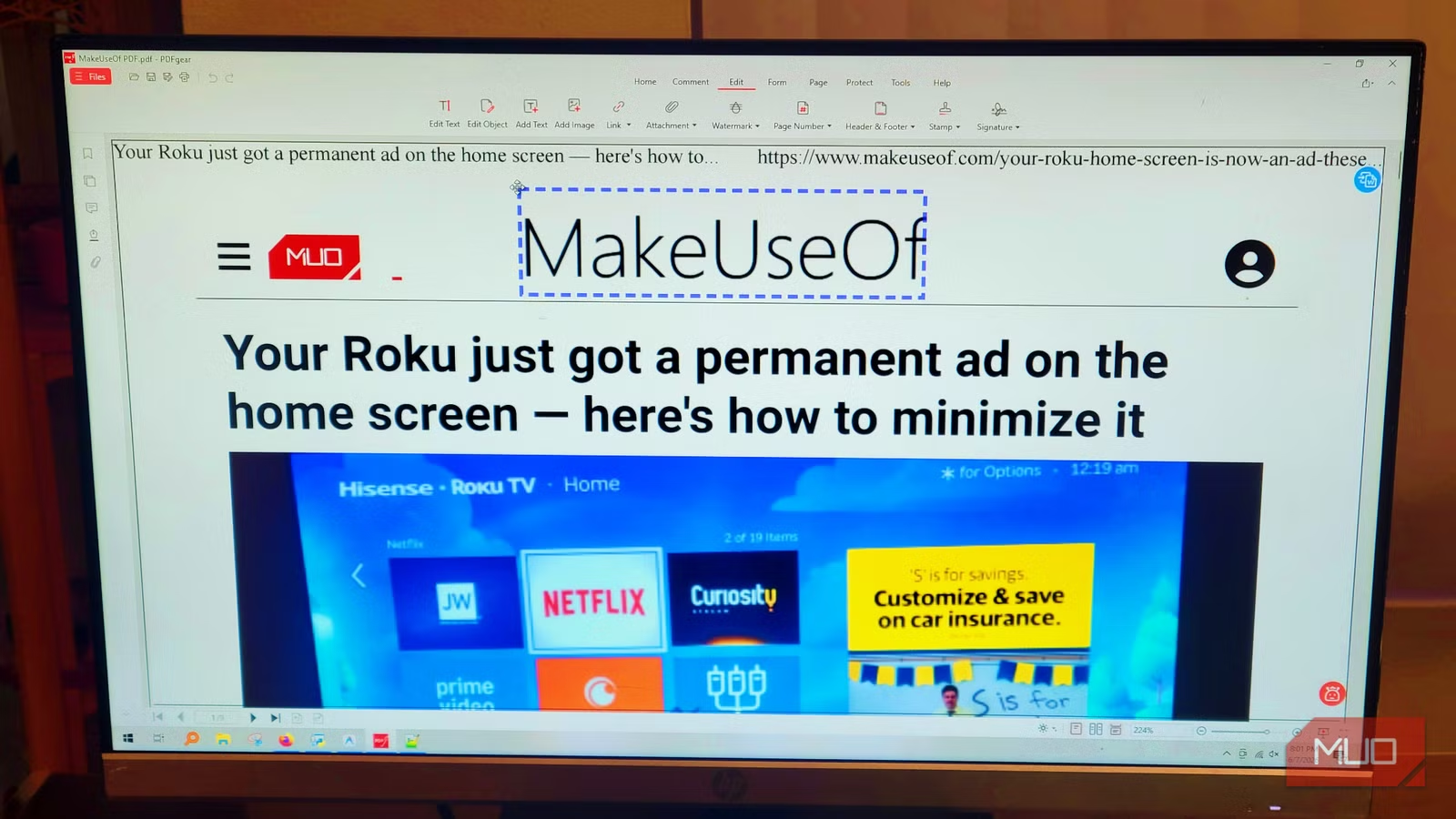
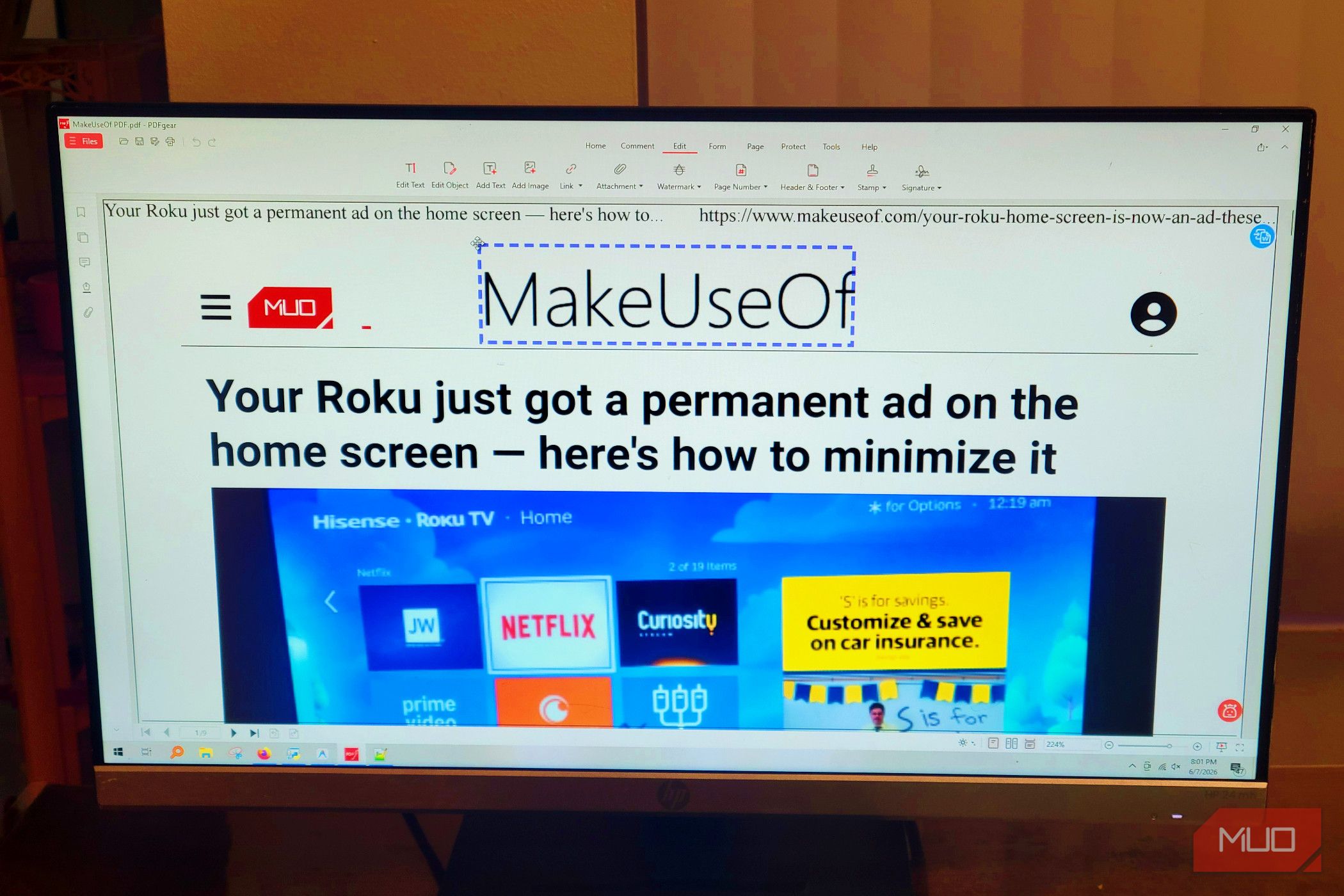
Once it’s running, everything happens locally on your machine, so sensitive documents never get sent anywhere. Many free services make you draw boxes over words to hide them and put new text in, but PDFgear lets you hit the Edit tab and click into the text like you would in Word.
You can fix a typo, rewrite a paragraph, change a font size or color. All of it works the way you’d expect editing software to work. That sounds like a low bar, but a surprising number of tools fail to clear it.
Page management is just as easy. You can pull out the exact pages you want from the thumbnail view and save them as their own file. You can also use the merge tool to import multiple documents, put them in whatever order you want, and combine them on the spot.
Since everything runs in your computer’s memory rather than through a web service, it handles big files without choking.
Signing is handled well, too. You can create a signature by typing, drawing with your mouse, or uploading a scan of your handwriting, and it will be saved for next time. Drag it onto the right line, flatten the document to lock it in, and done.
If you need something more airtight for legal purposes, there’s also certificate-based digital signing using a Digital ID, which seals the document cryptographically without touching the internet.
It’s a lot more secure than you think
“Free” usually means you’re the product
Jorge Aguilar / MakeUseOf
When you think about leaving Adobe, you likely worry about losing the security. There’s a widespread assumption that free tools must be doing something shady with your files. That’s not unwarranted because a lot of web-based freeware actually is.
Many of these companies pay the bills by collecting user data, serving ads, or quietly routing your documents through third-party servers. It’s not paranoid to be wary when the risk is real, and it’s a big reason some people keep paying for Adobe. It’s not the best around, but it’s hard to trust anything else.
PDFgear works differently. Instead of sending your documents off to some remote server, everything runs locally. Once it’s installed, it works entirely offline, all on your own machine, no internet required.
Even the browser-based tools use front-end web APIs to handle PDFs directly inside your browser, so nothing gets uploaded or sent anywhere. Your files don’t leave your computer.
That makes it genuinely usable for sensitive documents. Tax returns, corporate agreements, and medical records are all safe because none of them touch a remote server or gets passed along to a third party.
PDFgear doesn’t collect, misuse, or sell user data, and it doesn’t ask you to create an account, hand over an email address, or enter payment details just to use the core features. You’re essentially using it anonymously.
For the handful of AI features that require cloud processing, such as the ChatGPT-powered PDF Copilot, data travels over encrypted HTTPS, is processed in temporary memory, and is deleted as soon as the task is finished.
This makes it a great alternative for privacy as well
This is a good alternative, but not the best. PDFgear won’t replace Adobe for someone running a law firm that processes hundreds of documents a day and has complex workflow requirements. However, for most people, the gap between what Adobe charges and what they actually need is enormous, and PDFgear occupies the realistic middle ground. I’ve used it on documents I wouldn’t hand to a cloud service, and it hasn’t given me a reason to second-guess that.
OS
Windows, MacOS, iOS, Android
Version
2
.14
Plan Options
Free
Services
PDF Editing/Signing
PDFGear is a free alternative to Adobe Acrobat that does all the basic editing that you need which usually goes for a subscription price.
