

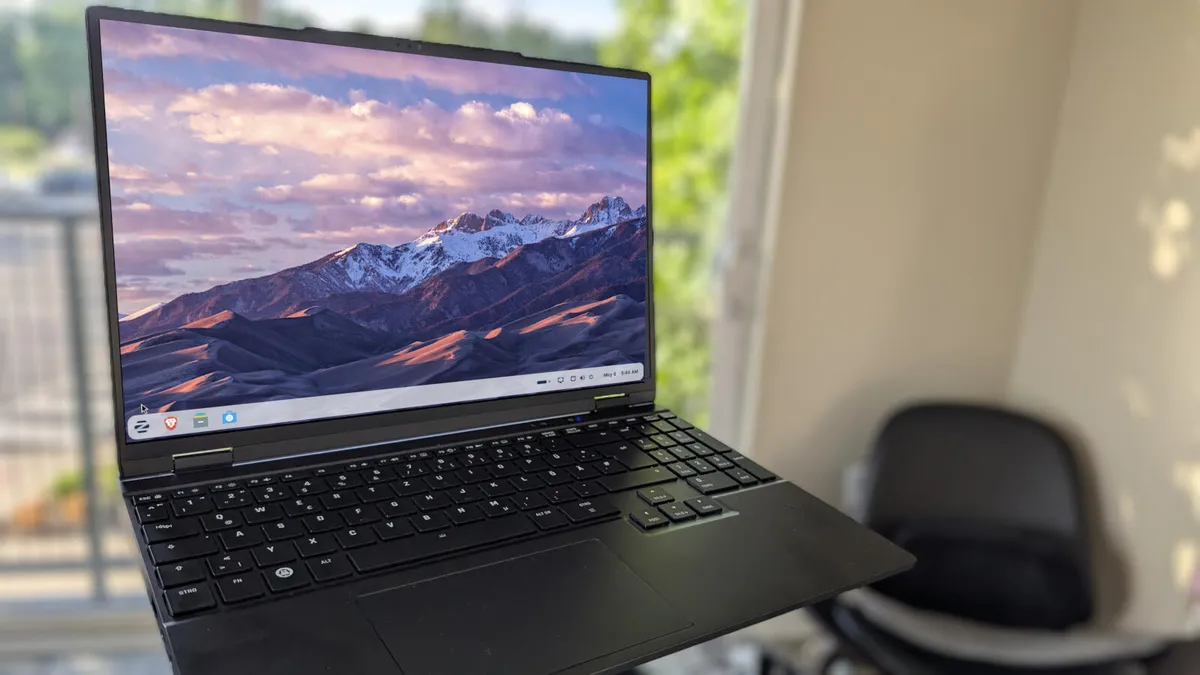
Jack Wallen\ZDNET
Follow ZDNET: Add us as a preferred source on Google.
ZDNET’s key takeaways
- Here are six ways to improve security and performance in Zorin OS.
- Each of these tricks is easy enough for anyone to handle.
- These tweaks are free and take little time.
Zorin OS is one of my favorite Linux distributions. It’s beautiful, simple, and, best of all, it’s Linux.
Although Zorin OS is great out of the box, there are ways you can make it even better, even in areas like performance and security. What’s more, these configurations aren’t nearly as challenging as you might think.
Also: 10 Linux apps I always install first – and you should too
With that said, let’s make Zorin OS the best it can be.
1. Enable the firewall
Although Linux is the most secure operating system on the market, you can still improve it further. One such tweak is to enable the firewall. Surprisingly, most distributions ship with the firewall disabled, and Zorin OS is no exception.
This is something you should do right out of the gate, and fortunately, there’s a GUI that makes this task easy.
Also: Your desktop firewall isn’t enough – here’s how to protect your entire network
To enable the firewall, open the desktop menu, type Firewall, and click Firewall Configuration. You’ll be prompted to type your user password before the app opens.
The UFW GUI is simple to use.
Screenshot by Jack Wallen/ZDNET
When the app opens, click the On/Off slider associated with Status to enable the firewall. You can then close the app.
2. Configure Timeshift
Timeshift is a Linux backup tool that can be easily installed on Zorin OS. Although this installation might not directly affect security, if something were to go horribly awry on your system, you could easily restore it to a working state, thanks to Timeshift.
Also: The easiest way to protect your Linux PC from disaster – no backup needed
To install Timeshift, all you have to do is open the desktop menu, type Timeshift, click on the entry, and (when prompted) click Install.
Installing Timeshift can be completed from the desktop menu or from the Software app.
Screenshot by Jack Wallen/ZDNET
Once installed, you’ll need to attach an external USB drive (to house the backup) and then open the Timeshift app from the desktop menu.
Also: I’m a Linux power user, and this distro made me rethink what an operating system can be
I’ve covered the creation of restore points in ‘How to create system restore points on Linux with Timeshift – and why you should,’ so make sure to give that piece a read.
3. Disable animations
If you feel as though performance isn’t what it should be, one thing you can do is disable animations.
Making this change will mean the system places less strain on your GPU (or CPU).
Also: This critical Linux vulnerability is putting millions of systems at risk – how to protect yours
To do this step, open the Zorin Appearance app (from the desktop menu), go to Effects, and click the On/Off slider for Animations until it’s in the Off position.
I love animations, but on less powerful machines, I’ll disable them.
Screenshot by Jack Wallen/ZDNET
4. Update, update, update
This is something I tell every PC and mobile user: you have to update your system regularly to keep it safe.
Also: This simple Linux tweak fixes crashes automatically – and it costs me nothing
Updates don’t just include new features for apps; they also include security patches, which are required to prevent your operating system (and the installed apps) from being vulnerable to attacks.
Up to Date is what you want to see every day.
Screenshot by Jack Wallen/ZDNET
Zorin OS will alert you when updates are available, and you should apply them as soon as you see the notifications. You can also manually update Zorin by opening the Software app, clicking the Updates tab, and applying any available updates.
5. Install proprietary drivers
If you use specific hardware, such as an Nvidia GPU, your system will benefit from proprietary drivers. Fortunately, there’s a command you can run to install all available proprietary drivers. That command is:
sudo ubuntu-drivers autoinstall
Once you’ve done that, reboot the system, and you should notice an improvement.
6. Speed up the boot process
There’s one thing you can do to speed up the boot process. This process is completed by skipping network checks during boot. Using this technique doesn’t mean boot time will be instantaneous, but it will shave a few seconds from it.
Also: 6 reasons a minimal Linux install might be the smartest move you make
To use this approach, issue the command:
sudo systemctl disable NetworkManager-wait-online.service
Once you’ve completed that step, you can either reboot and test or wait until a reboot is necessary.
