


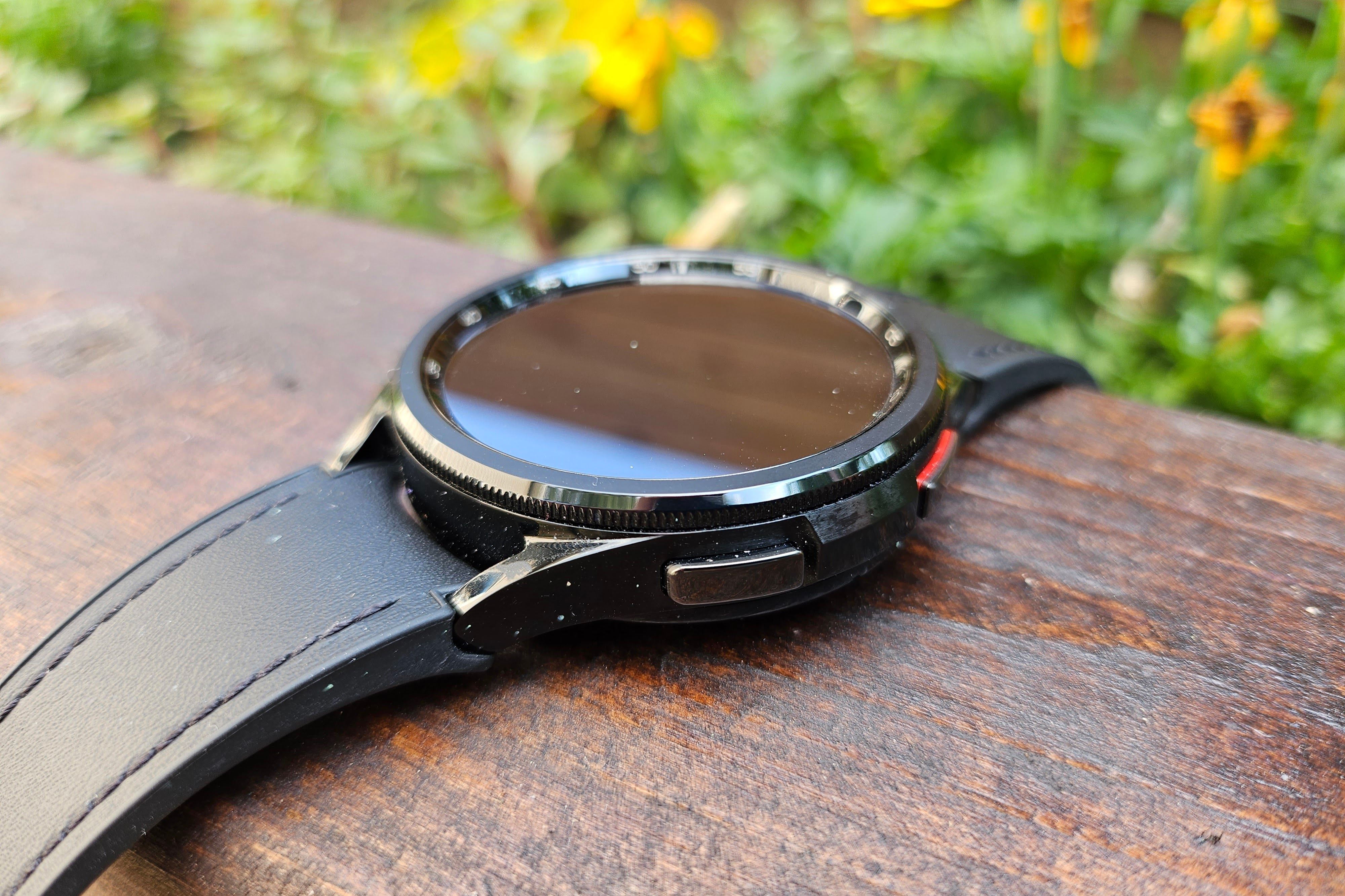
A Galaxy Watch is a lot easier (and cheaper) to upgrade than a Galaxy phone, which means you may have one or two lying around if you’ve been in the ecosystem for a while. Thankfully, these old smartwatches don’t have to be useless pucks in a box. Let’s get creative.
You can connect multiple Galaxy Watches to a single phone through the Wearable app, but only one can be active at a time. However, as long as the non-active watch is connected to Wi-Fi or mobile data, it can still be used.
Desktop Pomodoro timer
A visual reminder for time blocking
Credit: Joe Fedewa / How-To Geek
If you’re a visual person like I am—seriously, I made a hydration tracker—you prefer physical objects over apps. It’s easy to lose track of an app tucked away in your pocket or a window buried behind a dozen other windows on your PC screen. An old Galaxy Watch combines the best of both worlds.
You can have the convenience and customization of a Pomodoro app with the physical presence of a clock on your desk. Download an app like Pomo Do, then set up your Galaxy Watch display to stay on while charging. You can do this by enabling Developer Mode and toggling “Stay awake while charging.”
Spotify controller
A simple party remote
Credit: Joe Fedewa / How-To Geek
One of Spotify’s sneakily amazing features is called “Spotify Connect.” It’s one of those things you don’t really think about because it Just Works. Connect is what allows you to control the music on your phone from your PC, or, for our purposes, from your Galaxy Watch.
Think of your old Galaxy Watch as a music controller, but not just for yourself. It’s particularly useful for allowing other people to control the music. Make sure to toggle on “Auto launch media controls” from Settings > Advanced features. When you cast Spotify to speakers in your home, the watch will kick in as a media remote.
Bike computer
Keep your phone out of harm’s way
Credit: Joe Fedewa / How-To Geek
I once made a mini “Android Auto” display for my bike with an old phone. As cool as that was, it was honestly overkill. An old Galaxy Watch is a much better option—especially with an app such as Ride with GPS.
Now, this obviously brings up some logistical issues if you also wear a Galaxy Watch while biking. Two Galaxy Watches can connect to a phone, but only one can be active. So, you’ll either need your wrist watch to be non-Samsung or connect to the old watch, download offline maps, and get everything set up, then connect to your current watch again.
Mini smart home dashboard
Quick shortcuts in a small package
Credit: Joe Fedewa / How-To Geek
Smart home enthusiasts love a good dashboard—I’m no different. iPads and Android tablets are an obvious choice for their ease of use, but E-ink is the current darling child. For a smaller, more specific dashboard, why not try a Galaxy Watch?
All the major smart home platforms have Wear OS apps. That includes Home Assistant, Google Home, and, of course, Samsung’s SmartThings. The best way to use a Galaxy Watch as a dashboard is to set up a watch face with smart home shortcuts. Here’s how I customized the Analog Dashboard for quick access to both Google Home and SmartThings: home temperature, lights, routines, and Google Home.
Kids watch
Hand it down to the next generation
Credit: Samsung
One of the lesser-known cool features of Galaxy Watches is the ability to switch them into a dedicated “kids mode.” This allows you to turn an old Galaxy Watch into something like a Fitbit Ace LTE or T-Mobile SyncUp.
Devices like this are perfect for kids who are old enough to understand how to send texts and make calls, but don’t need a full-blown smartphone just yet. When a Galaxy Watch is set up in kids mode, it integrates with Google Family Link, enabling parents to create time limits, track location, and more. The only catch is that the watch needs to be an LTE model.
Put your old tech to good use
An old Galaxy Watch may not be as useful as an old Android phone or tablet, but if it can’t be sold or donated to someone else, you might as well do something with it. As is the case with repurposing many old tech devices, the main limitation is your own imagination.
Brand
Samsung
Heart Rate Monitor
Yes
Operating System
Wear OS 4, One UI 5
Onboard GPS
Yes
Display Size
1.5, 1.3-inches
Case Material
Aluminium
The Samsung Galaxy Watch 6 features a familiar sleek, minimalist design with thinner bezels and bigger displays. But that’s about all that has been upgraded from the previous generation.
Heart Rate Monitor
Yes
Operating System
One UI 6 Watch, Wear OS 5
Onboard GPS
Yes
Display Size
1.3/1.5 inches
Case Material
Aluminum
Display
Super AMOLED, Sapphire crystal
The Samsung Galaxy Watch 7 is Samsung’s entry-level smartwatch for 2024. It resembles the Galaxy Watch 6 but features an enhanced Exynos W1000 chipset, promising significantly improved battery life and performance.
