

Most people treat USB-C as either a charging port or a data transfer cable. That’s understandable — it looks like a simple connector. But the oval-shaped port is hiding a stack of protocols that make it capable of things most folks never discover.
None of this requires unusual hardware; you probably already have most of what you need to unlock USB-C’s hidden features.
Related
I stopped buying random USB-C cables after learning what three numbers actually mean
USB-C cables are notoriously hard to identify, but these three numbers will help you figure out what they can do.
Charge another phone from yours
A handy option when you’re out and about
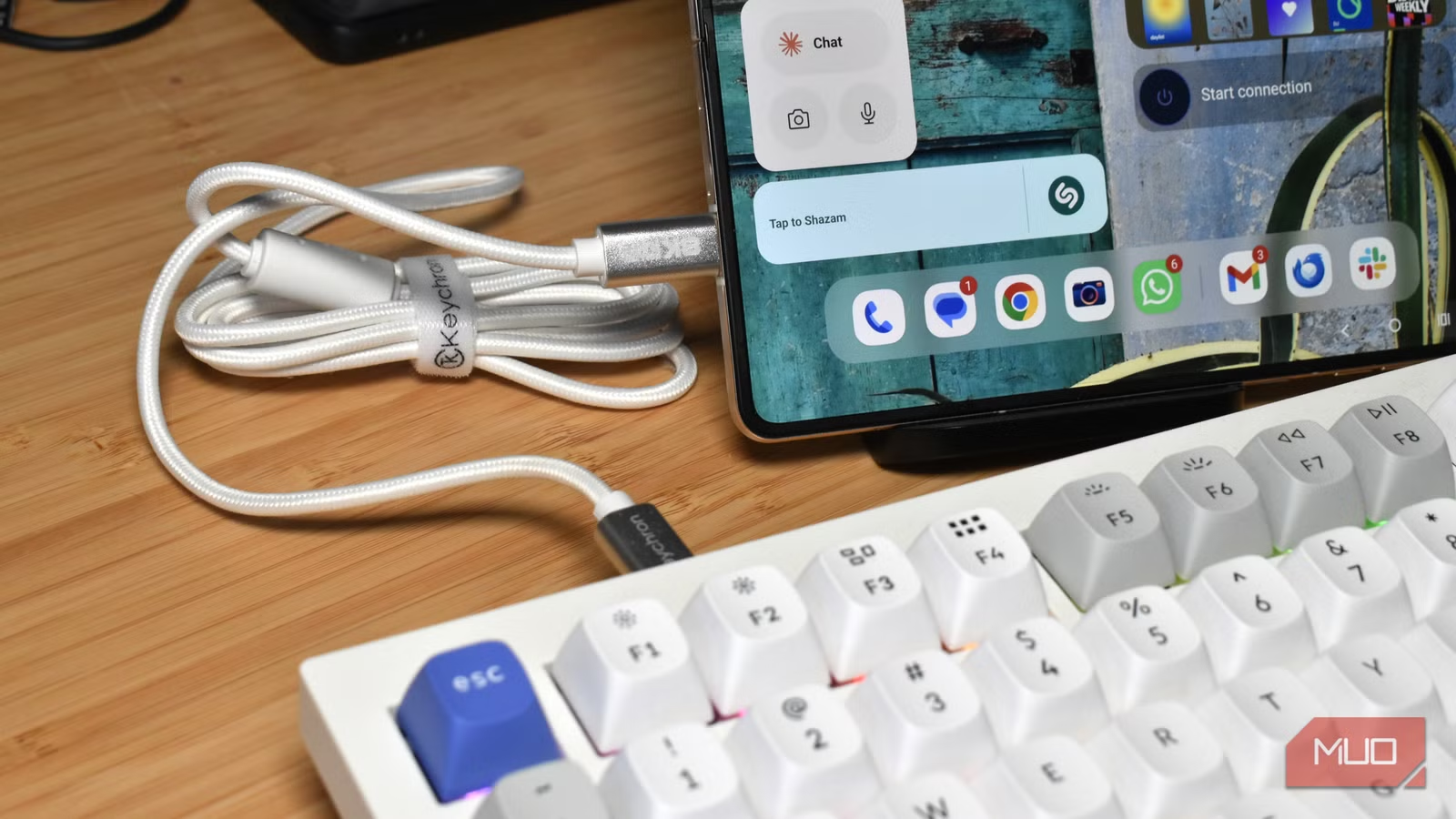
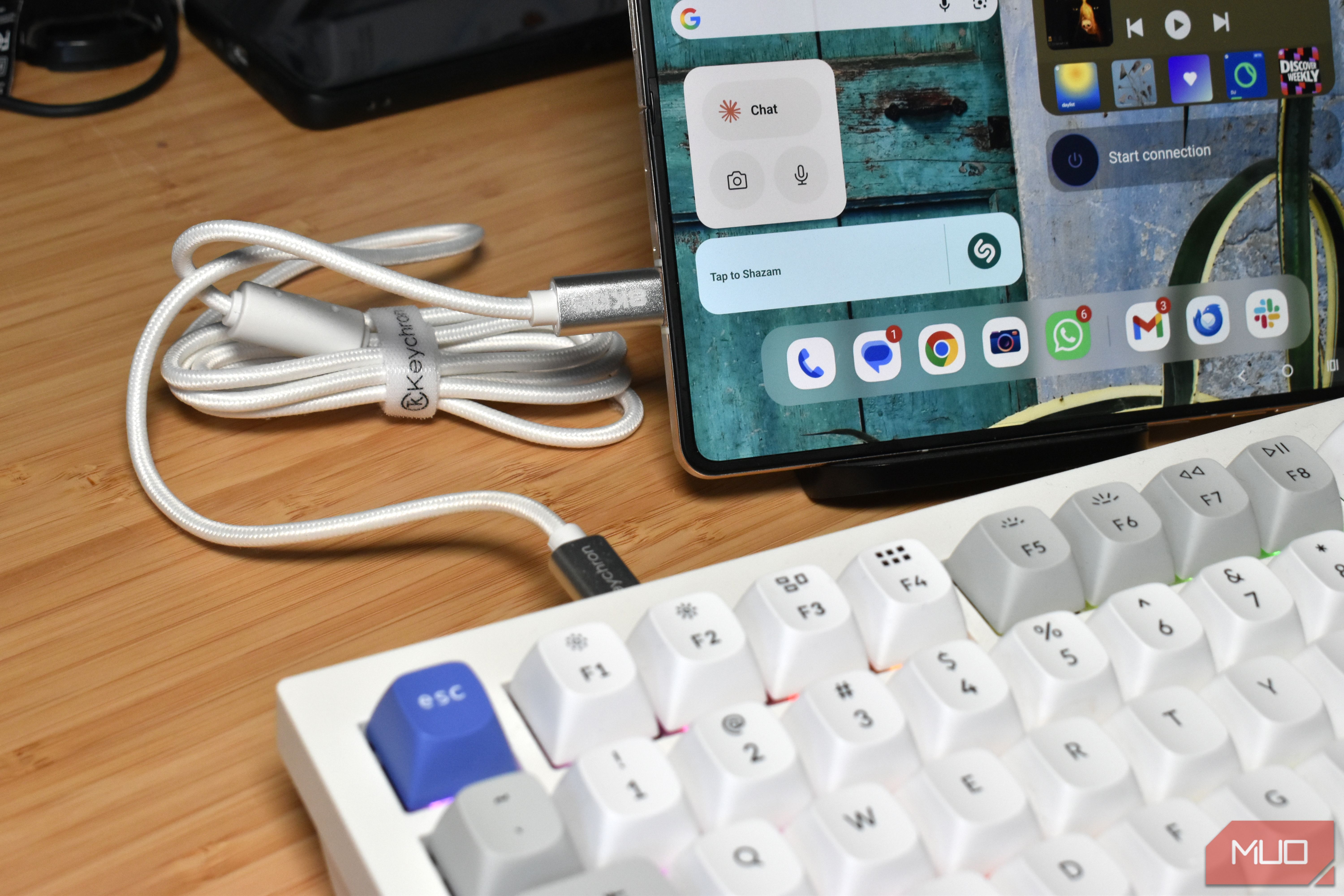
Reverse charging is one of the most useful USB-C capabilities, and one of the least used. Plug your phone into someone else’s with a USB-C cable, and it’ll typically start charging the other device automatically.
This works because USB Power Delivery is bidirectional. When two devices connect, they negotiate which one has more power to offer and set the direction of flow accordingly.
The only problem is that more devices support incoming USB PD rather than give it out. On Android devices, it varies by manufacturer and model, sometimes within even the same range. Samsung calls it “Wireless PowerShare” for wireless reverse charging and handles wired reverse charging through PD on most of their flagship S and Z series. Google’s Pixel line has been inconsistent — some models support it, others don’t, and it’s not always clearly advertised. OnePlus, Xiaomi, and Oppo flagships generally support it.
On iPhone, Apple only enabled USB-C PD output with the iPhone 15 range, and it applies across all four 15 models, not just Pro. Earlier iPhones with Lightning couldn’t do it at all.
However, it’s important to set expectations when you use reverse charging. It doesn’t compare to using a super-fast wall outlet charger. Reverse USB-C charging is typically capped at 4.5W to 7.5W, but getting someone’s phone from 3% to 15% while you’re sitting together does the job.
You can charge your laptop from a phone power bank
If you have the right cable on hand
USB Power Delivery (USB-PD) defines a standard set of voltage and current profiles (5V, 9V, 15V, 20V), and when connected to the right hardware, it can negotiate the highest profile both devices support.
That’s why a power bank marketed for phones can still output 45W or 65W to a laptop if it’s rated for those wattages, and the laptop won’t care that it isn’t a wall charger. That’s part of the beauty of USB-PD. Because it negotiates the power level between devices, there is always a chance that the USB-C port can deliver something, rather than nothing. Both devices exchange what they can, settling on the highest shared profile for the connection.
However, what many folks don’t realize is that the cable you use also plays a big role in whether this works. A standard USB-C cable without an e-marker chip caps power delivery at 60W, regardless of what the charger and device both support, and there isn’t really a way to tell what’s going on.
To get above 60W, you need a cable explicitly rated for 100W, which contains an e-marker chip that communicates the cable’s capabilities to both devices during the handshake. In those moments where you’re pulling your hair out because your charger and cable won’t deliver enough juice to your laptop, your cable is the first checkpoint.
Use full-size USB peripherals directly from your phone
Plug in your mouse and keyboard and see what happens
Did you know you can plug USB-C peripherals straight into your smartphone and start using them? Well, on some devices.
It’s not quite universal for all iPhones, and like all things Apple, it depends on your iPhone generation. iPhone 15 and later models that use USB-C can typically connect most USB-C peripherals (like a mouse and keyboard), and the devices should play nicely. You may have to fiddle about with the Accessibility settings, but it should generally just “work.”
Pre-USB-C iPhones (iPhone 14 and older) may need to use an adapter to get this working. Now, I’ve never used or tested this, so please don’t shoot the messenger, but the Apple Lightning to USB Camera Adapter should enable you to use a USB-C or USB-A device with your older iPhone.
It’s much easier for Android devices, which have supported USB host mode for years at this point.
But yes, basically, plug in a full-size mechanical keyboard, and you get a proper typing experience with none of the lag or autocorrect of a touchscreen. Plug in a USB drive, and you can browse files directly from the phone’s file manager. Plug in a USB audio interface, and you can record at far higher quality than the built-in mic allows.
Get wired gigabit Ethernet through your USB-C port
I’ll never turn down faster speeds
I didn’t realize for quite some time that smartphones actually support incoming Ethernet connections. But it turns out they absolutely do, so long as you have a USB-C-to-Ethernet adapter, and your device has an internal Ethernet chip.
For example, the UGREEN USB-C to Ethernet Adapter supports most smartphones, with specific support for iOS and Android devices.
You’ll still need to check if your specific device supports Ethernet connections, but it’s a fantastic way to use your smartphone (or tablet) over a wired connection, get faster and more stable download speeds, and so on.
Brand
UGREEN
Platform Compatibility
USB-C
Speed
1Gbps
This UGREEN USB-C to Ethernet Adapter provides stable, high-speed wired internet up to 1Gbps. Featuring a durable aluminum case and plug-and-play functionality, it’s compatible with almost any USB-C capable device. It is an ideal, compact solution for lag-free gaming, smooth streaming, and reliable video conferencing.
You can get lossless audio through a USB-C DAC
Wired headphones aren’t dead
Bluetooth audio has improved enormously, but it’s still compressed. Even hi-res Bluetooth codecs like LDAC strip some audio quality out in favor of performance, and that’s something you just don’t get with a wired connection — even a wired USB-C DAC adapter.
A DAC (digital-to-analog converter) bypasses your phone’s internal audio chip and handles the conversion externally. A decent DAC should be able to drive higher quality headphones without much of an issue, and certainly much better than you could hope with the phone’s built-in tech. Not that you can find many top-tier smartphones with a 3.5mm jack these days to do so.
It all means that you can use lossless streaming platforms like Qobuz and Tidal without issue, and even Spotify’s imperfect Lossless streaming option will sound golden.
USB-C DAC adapters range in price from a few bucks for basic dongles up to hundreds for audiophile-grade units. For most folks, the FiiO KA11 is a great starting point at $33. It’s tiny, powerful, doesn’t add extra carry weight to your day-to-day, and delivers excellent 32-bit/384KHz audio.
Type
32-bit/384KHz
DAC
THD+N: <0.0006% SNR: 125dB Noise: <1.7uV
Amplifier
245 Milliwatts
Connectivity
USB-C
The Fiio KA11 is a USB-C dongle digital-to-analog converter (DAC) that brings up to 32-bit, 384kHz sound to any Type-C device, including phones, tablets, and PCs.
Skip the phone storage
Credit: Paul Antill / MakeUseOf
High-quality phone video produces enormous files, and sometimes, your phone storage isn’t up to the job. Well, Apple heard you, loud and clear, and in 2023, the iPhone 15 Pro launched with the ability to record Apple’s high-quality ProRes video format directly to an external SSD via a USB-C cable.
Apple’s ProRes at 4K 30fps runs at roughly 1.7GB per minute, which means internal storage fills fast. USB-C on the 15 Pro runs at USB 3.0 speeds (up to 10Gbps), which gives it enough headroom to write that data in real time, and the tech has carried forward to the latest iPhone models. That’s also why this option only appeared with the iPhone 15 — its older Lightning standard didn’t have the raw power.
Android users can do the same through third-party apps like MotionCam Pro, mcpro24fps, or Blackmagic Camera, though you’ll want to check your device’s USB output speed — not all Android phones run their USB-C port at the same spec.
Related
How USB-C reversibility actually works
Reversible doesn’t mean identical.
USB-C is the gift that keeps on giving
None of these features are new — most have been baked into USB-C for years. Like most things in life, it’s just being shown where they are and how they work to begin with.
The fastest way to start is to pick one of these and try it. Grab an adapter, dig out a cable, plug something in that you wouldn’t normally think to connect. Most of this costs less than ten bucks to test, and the chances are your USB-C port can already do more than you’ve asked it to.
