

When you pop open your iPhone camera, chances are it’s to take a photo or shoot a video. That’s the primary purpose of the camera app, after all. But an iPhone camera can be used to do so much more. The camera lenses are a more versatile part of the phone than you might have realized.
Some of these capabilities are so simple, you’ll wonder why you hadn’t used them before. In fact, you might find that you’ll use several of them often once you know about them. Can’t find a mirror and need to see if there’s something in your teeth, for example? Use the front selfie camera as a makeshift mirror. But the camera can be used for everything from measuring to scanning, even educating about items around you. If you have an iPhone, don’t forget about these other useful ways you can leverage its cameras.
Related
The iPhone Camera Secrets No One Told You About
It’s amazing what you can do with your iPhone’s Camera app once you know where to tap.
Scan documents, QR codes
Get to websites, save files
The iPhone camera can be used to both scan documents and read QR codes. While the former function is much easier with devices like the Samsung Galaxy S26 Ultra, which can automatically detect items like receipts and enter scan mode, it’s still possible with iPhone. You’ll need to first open a note in the Notes app. Tap the three vertical dots on the top, right and select Scan. From there, the camera opens. Hold the phone over the item, like an invoice or receipt, and it will snap a photo and save it as a scanned file.
With QR codes, all you need to do is open the Camera app and hold the phone up to the code. This will register the website address or app to which this code directs, a link appearing under it. Tap the link and you get right to the page. You can use this not only for directing to websites but also forms, event tickets, and more.
Identify items
Learn more on the go
iPhone’s Visual Look Up feature helps you learn more about things in photos you have already taken by tapping the Info “I” button in the bottom menu where available. But with Visual Intelligence on iPhones that have the side Camera Control button, you can also look up items on the fly. Hold the phone up to the item and press and hold the button on the bottom, right side of the phone (iPhone 15 Pro and up with iOS 18.2 and higher). Select Ask to learn more about it, results coming from ChatGPT, or Search to run a Google image to find similar photos to help you identify the item.
Google Lens can make life easier on Android, but you can also download Google apps to iPhone and use them there, too. Open Google Lens, which uses the phone’s camera. Point to an item and get an AI overview of what it is along with other visual matches so you can learn more. If it’s an item like a vegetable, plant, or animal, you can find out what exactly it is and learn more, like what a vegetable is ideal for in cooking and how to best store it.
Language translation
I used the translation feature of my iPhone on trips to both Italy and Spain. If you’re in a spot that doesn’t have an English language menu, for example, you can open the Translate app, select Camera, select the language you want to translate from and to, then hover the phone over the menu to see all the words instantly translate to that language. You can do this with signs, e-mails, and more as well.
This feature works on iPhone with the Google Translate app as well. Open it, select Camera, and follow the same steps to see text in a language you don’t understand. This worked well when I wanted to read menus at spots outside of tourist areas that didn’t have English-language menu options. It also helped me understand transit signs, even know what I was looking at in a store when the packaging wasn’t easily identifiable.
Magnifying glass
Forgot your glasses at home?
It’s a simple but underrated way to use the iPhone camera. If you are out and about, happen to be far-sighted, and forgot your glasses at home, use the iPhone camera to read text more clearly. Hold the camera up to the text you are trying to read and simply and spread two fingers out to magnify it. You can also press the predetermined digital zoom buttons for 2x, 4x, 8x, and so on, depending on the phone model you have. With the iPhone 17 Pro, for example, it goes all the way up to 40x, which means you can read text that’s really, really far away, even if you do have good vision.
Note that iPhone also has a dedicated Magnifier app you can use, with a slider to zoom in closer as needed. It also includes a brightness slider and even a flashlight trigger to help you read in darker settings, too, like a candlelit restaurant at night. But for quick reads, the phone’s camera itself might work just fine.
Measure items
Make sure it will fit
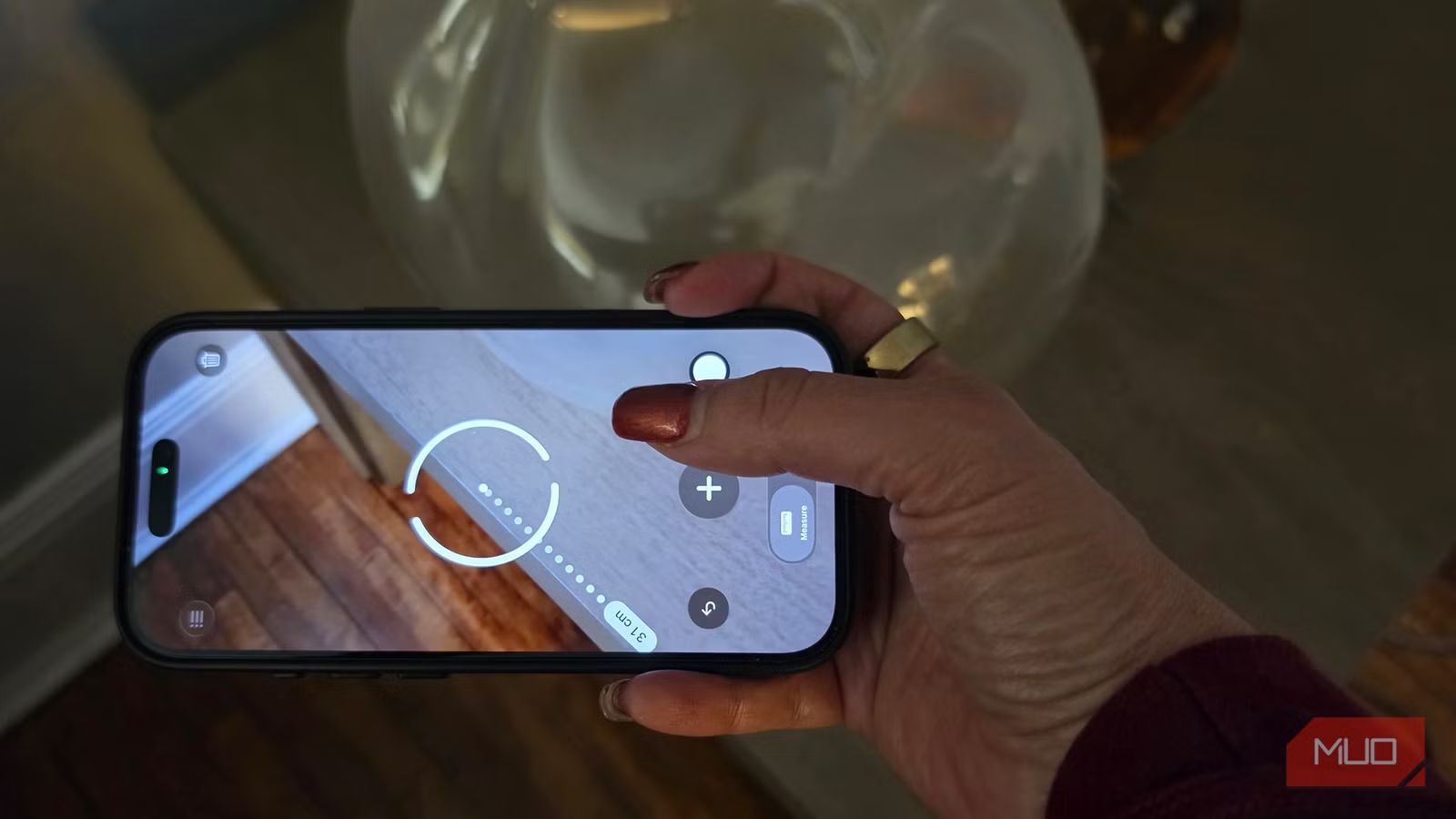
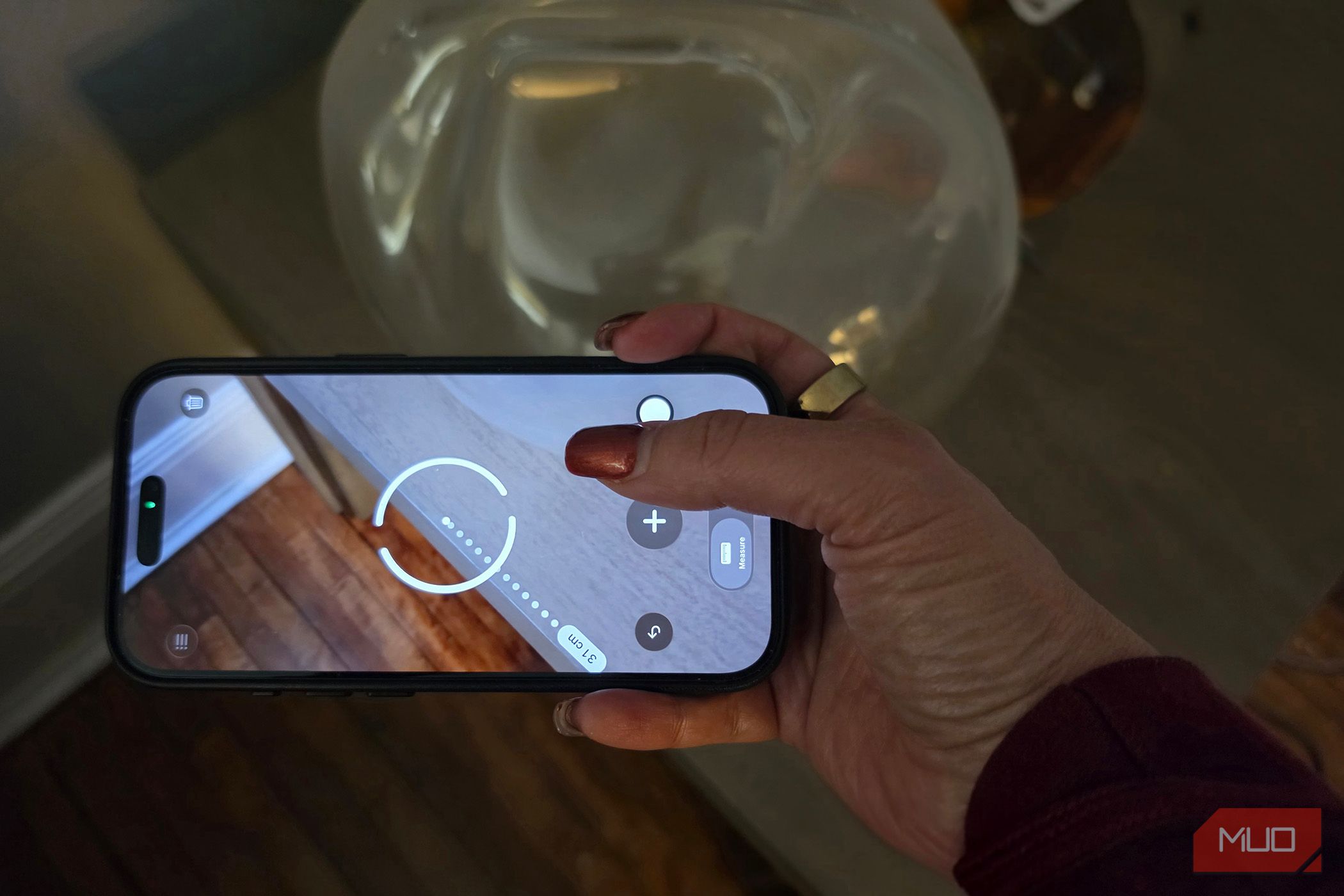
Did you know you can measure things with your iPhone? Using the Measure app, mark a single point on one end, move the phone over to the other and mark the opposite end to get the exact measurement. This is ideal for measuring small spaces or furniture, even just when you need a rough idea of how long or wide something is, like an arm for measuring sleeves or even your kids’ heights to see how they’re growing.
Measurements are displayed in the most logical dimensions, including meters, centimeters, and inches. These are also logged in the app so you can capture various measurements for items, like the length, width, and height of a coffee table, and save them for reference. Ideally, copy and paste the measurements to a note in the Notes app with labeling so you know what’s what. If an item in a store doesn’t have measurements listed, like microwave you want to fit on the counter, you can use your iPhone to measure it on the fly and compare to the measurements you took at home.
Make good use of your iPhone camera
It’s not just for pictures
Credit: Chris Hachey / MakeUseOf
The camera in your iPhone can help you capture the world around you in more ways than just with photos and videos. It can help you better navigate a foreign country, learn more about things around you, even serve as a replacement for forgotten reading glasses or measuring tape in a pinch. It has many more uses than you might have realized.
Brand
Apple
SoC
A19 Pro chip (3nm); 6-core CPU, 6-core GPU with Neural Accelerators
Display
6.3″ LTPO Super Retina XDR OLED; 120Hz ProMotion; 3000 nits peak brightness
RAM
12GB LPDDR5X
Storage
256GB, 512GB, 1TB
Battery
4252 mAh (eSIM model); Up to 30 hours video playback
The iPhone 17 Pro is the best option in Apple’s current line, offering a nice balance of features and price. The cameras have tons of features like dual capture and auto-zoom Center Stage. But there’s lots more you can use the cameras for, too, some features of which leverage Apple Intelligence.
