


Your 3D printer is essentially a fancy CNC machine, with a few heated elements (and maybe a fan or two). While extruding filament might be the main reason you bought it, there are some more unconventional things you can use your 3D printer for.
Drying out filament
No dryer, no problem
Credit: Tim Brookes / How-To Geek
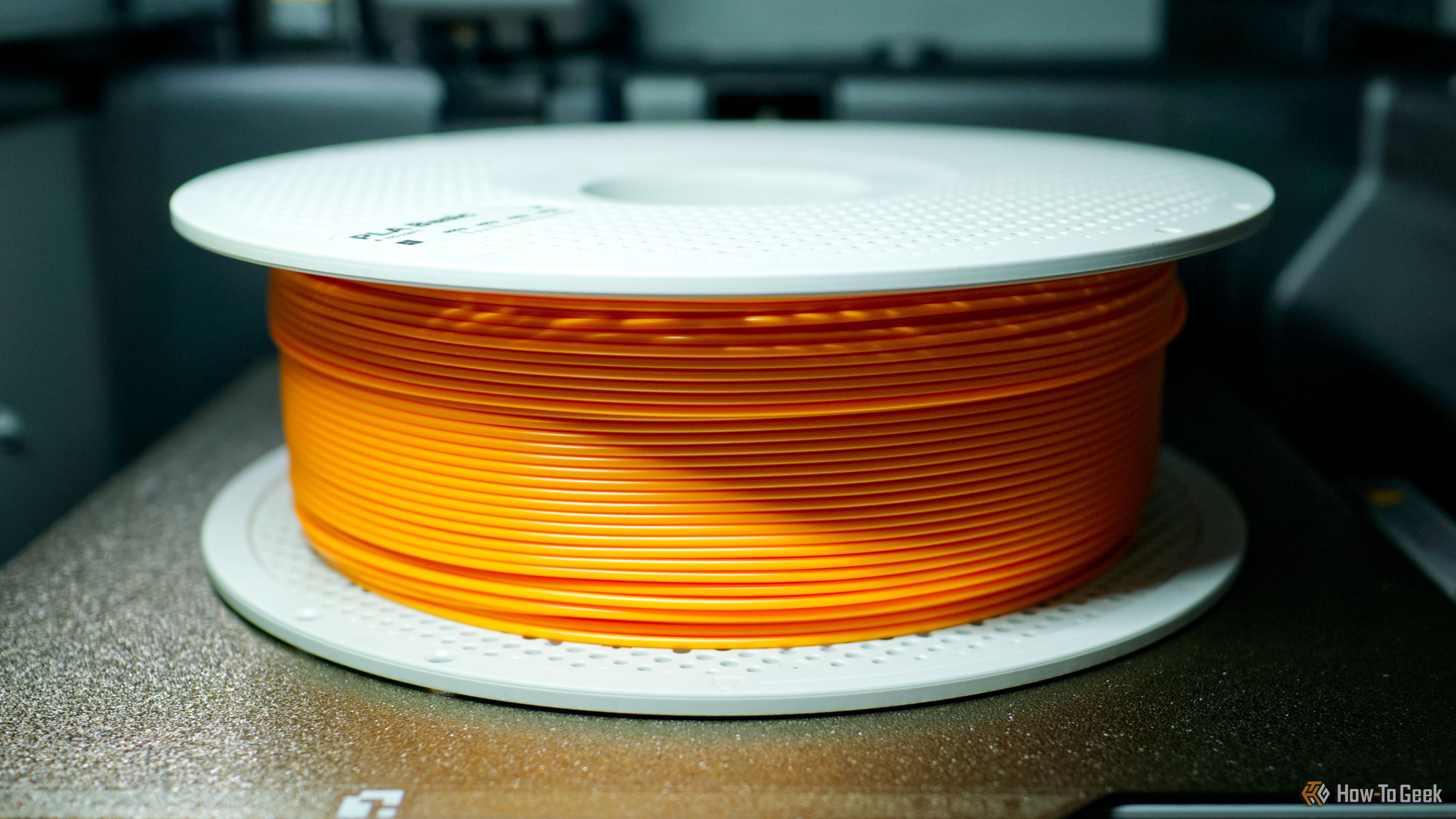
3D printer filament should be dried before use since moisture can ruin your prints. This is what makes a filament dryer an essential tool for any FDM printer owner, but if your printer has a heated bed, then there is another way. You can use the heat from your print bed and a cover, like the box your filament came in, to dry out your filament instead.
For precise instructions, refer to your printer manufacturer. For example, Bambu Lab has a whole support article about drying filament, which includes instructions for using the heat bed as well as a cover model you can download and print. You’ll need to flip the filament halfway through.
Loosening the glue on smartphones and tablets
60 seconds at 70ºC should do it
Credit: Tim Brookes / How-To Geek
Repairing smartphones and tablets requires skill, patience, and specialist tools. One of those tools is a heat pad, which is used to heat the back or the front of the device in order to loosen the glue that is used to keep the whole thing together.
If you find yourself in this position, you can use the heated print bed of a 3D printer to loosen the adhesive. This technique is well-documented online; iFixit even has a guest tutorial that covers it. You’ll need to set the bed temperature to around 70ºC and wait around a minute for the glue to loosen, after which you should be able to get inside.
Just remember that the device can get very hot when you’re doing this, so use a towel or gloves to avoid burning yourself (and don’t leave it on the plate for too long).
Making bread or pizza dough rise
Gentle warmth when you knead it
Credit: Lera August / Shutterstock.com
If you’ve ever tried to make dough rise in a cold environment, you’ll know how disappointing the end result can be. You can spend a few hours kneading, waiting, and knocking back dough, but if the ambient temperature isn’t on your side, you’re fighting a losing battle.
So why not use your 3D printer? It works especially well if you have an enclosed model, since you can pre-heat the bed to around 30ºC to warm the whole enclosure up before placing the dough inside. I’d use the cling-wrap method to seal the bowl (rather than the damp towel method) to avoid excessive moisture in your machine, and maybe put a dry cloth down to protect the print bed.
Just make sure your bowl is clean before you get it anywhere near your printer. Oil is one of the biggest problems in getting prints to stick to the bed, which is why washing your print bed is so important.
Fermenting yoghurt
Your printer can do this, too
Credit: Tim Brookes / How-To Geek
Yoghurt is made by the process of fermentation using a specific culture of bacteria. The bacteria eat the sugars, which produce lactic acid, which then changes the protein. You can make yoghurt at home by buying kits from the supermarket, and many go as far as buying specialized yoghurt-making equipment.
The bacteria responsible for this fermentation process require a temperature of between 30ºC and 45ºC, with many recommending between 41ºC and 43ºC as being the “sweet spot” for fast ferments. You can achieve this temperature on a print bed relatively easily, which means you can have yoghurt in anywhere from 4 to 12 hours.
One Instructables user documents the process, and mentions using a 3D printed cover to lock in the warm air. If you have an enclosed printer, this might not be necessary, but if your printer is open then you can use a box or custom print something beforehand.
Drawing and writing with a pen
Your 3D printer can be quite the artist
Pen plotters are expensive machines that draw and write on paper with absolute precision. They’re typically used for applying signatures, authoring “handwritten” documents, creating one-off items like invites and thank you notes, or plotting out artwork before it’s finished by hand. These machines can cost a few hundred to a few thousand dollars.
By printing a specialized pen holder and attaching it to your printer, you too can use your printer as a pen plotter. You’ll find models for pen holders on 3D printing repositories, but if you’re serious about this, it might be worth looking at a g-code generator like 3D Plotter (€30).
There is a surprisingly detailed Instructables article about using this tool from start to finish to produce documents, which runs through the whole process.
Cutting vinyl
If you’re brave
Credit: Polycut
By attaching a drag knife to your 3D printer, you can effectively turn it into a vinyl cutter. There are a lot of caveats to this. You’ll need to 3D-print a mount and attach it to your printer, you’ll need to protect your print bed, and you’ll need to generate the g-code necessary to perform your cuts.
You can use Inkscape to generate g-code directly, or you can use a project like GCodePlot (though it sadly hasn’t been updated for a while). Alternatively, there’s a free Windows app called Polycut which promises to simplify the process.
Fixing warped vinyl records
Setting the record straight
Credit: Jordan Gloor / How-To Geek
Of all the ideas on this list, this is the one I was most skeptical of. I wouldn’t be mentioning it here if a Reddit user hadn’t enthusiastically posted about their success. Even so, I’d urge caution if you’re thinking of doing this. Records that are only marginally warped should still play fine (I should know, I own plenty), so maybe consider this a last resort.
This particular method involves placing the (sleeved) record beneath the glass plate of a heated print bed at 50ºC, applying pressure with clips, and leaving it for 30 minutes. The poster remarked that the record survived the intervention to the point where it’s now playable (which it wasn’t before), but it remained slightly warped.
Just be aware that heating up a record could also warp the grooves, which will render it useless. Approach this fix with caution, and only use it if you really have to.
Looking for more uses for your 3D printer? Check out these cheap and easy household repairs.
