

Sometimes you have to commit to doing something, regardless of whether you think it will work or not. If you don’t fail, you’ll never learn. If you don’t try, you’ll never start. This was the logic behind my very first design-to-print 3D printing project.
This seems like an odd choice when you consider that I don’t have any Wi-Fi signal problems.
Why I did this
I’ve reached the stage of 3D printer ownership where I’m eager to start designing and printing my own projects. The only problem is that I’m coming from a background with very limited design experience. I did a bit of CAD/CAM in school 25 years ago, and I’ve played with Blender and similar packages out of pure curiosity.
The furthest I ever got with what could be considered 3D design was making a bad single-player level in Hammer, the Half-Life level editor, all those years ago. It never saw the light of day, but the experience gave me a renewed appreciation for 3D design.
Credit: Tim Brookes / How-To Geek
So I’ve been looking for ideas to start modeling. My original idea was a clip for a waste bin that just doesn’t stay shut, but the design is going to require more thought than I first thought. I then started thinking about very basic items that I could design quickly and see results fast. My goal is to build confidence through doing, rather than poring over CAD software.
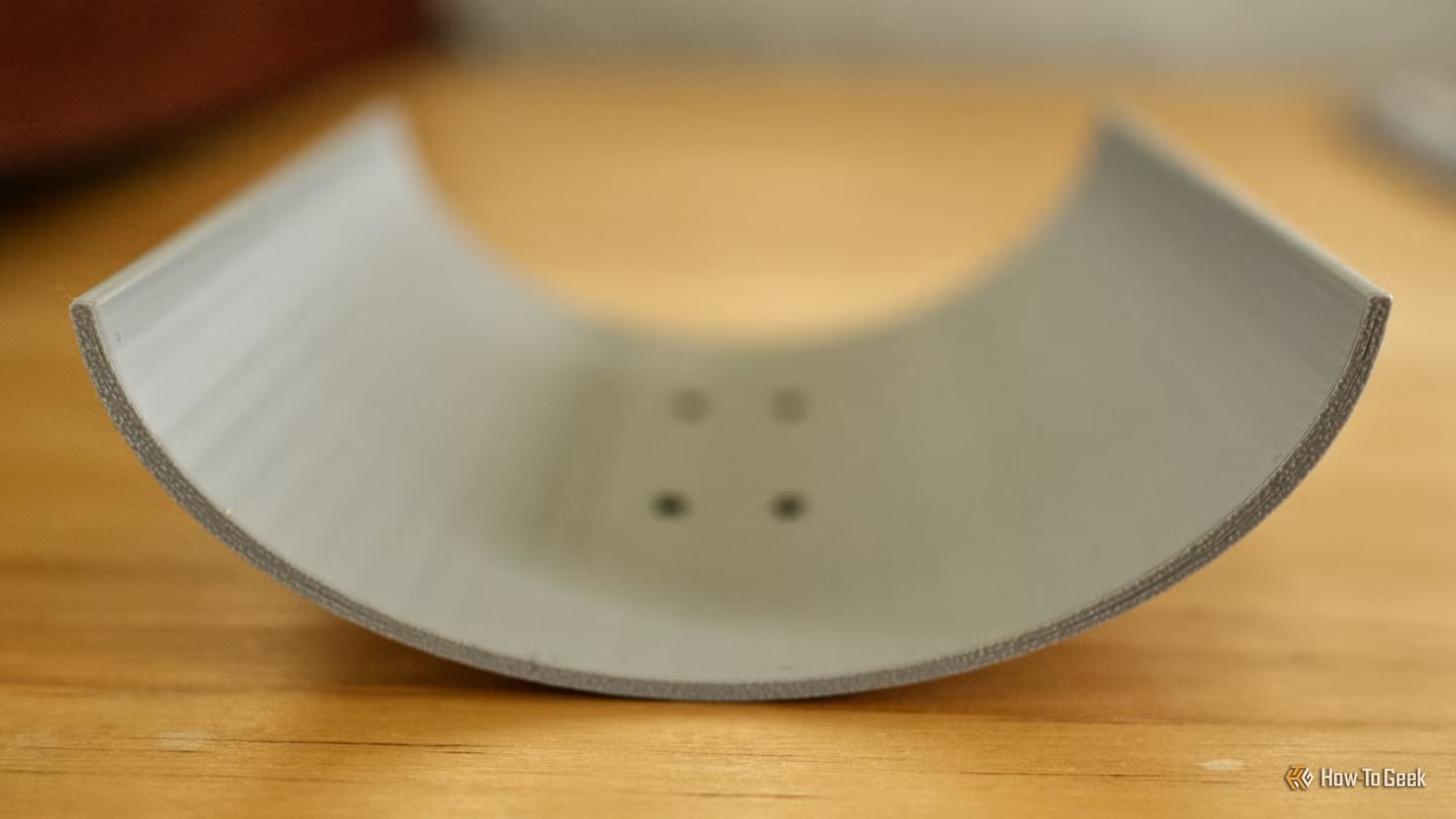
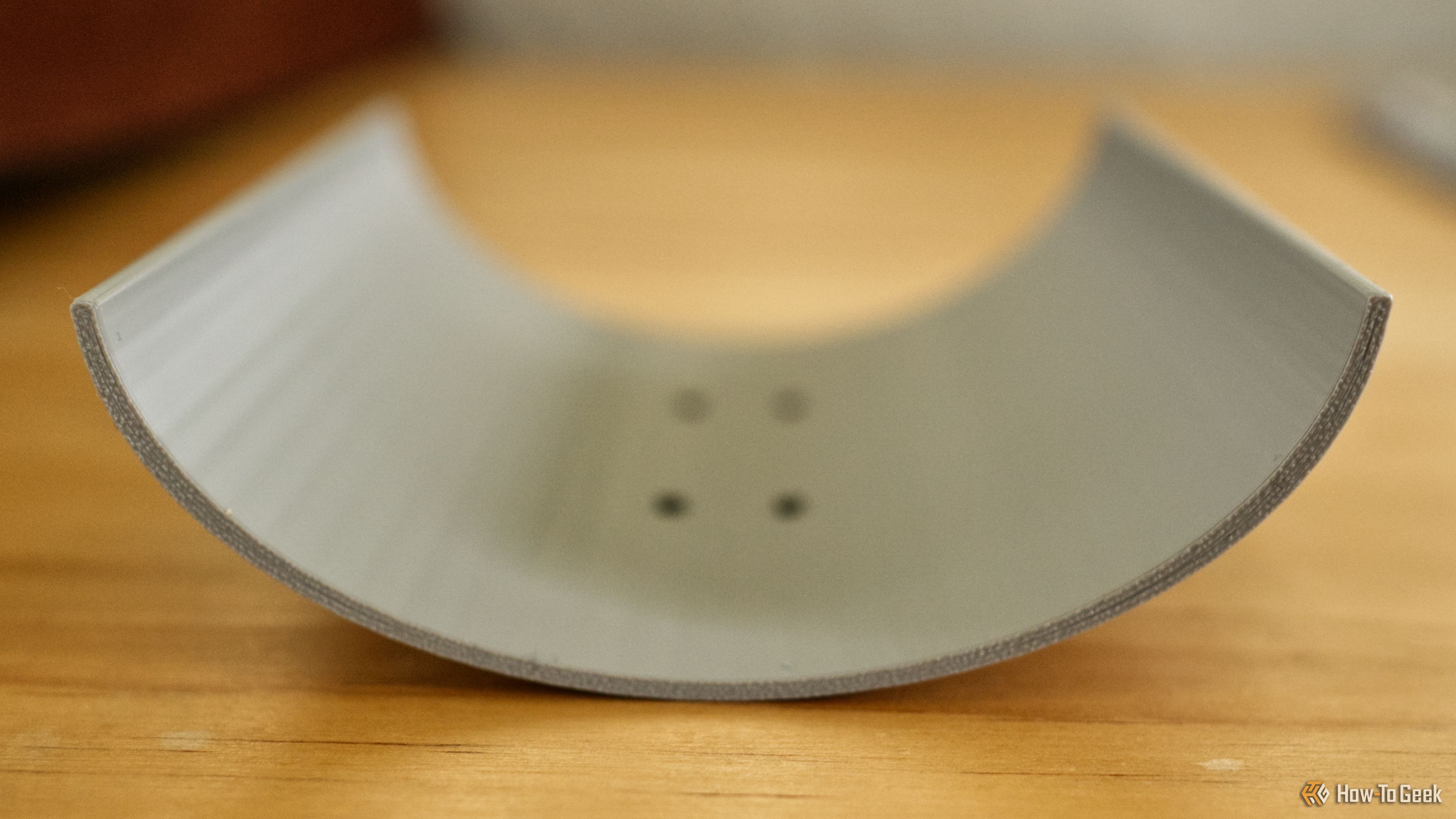
And so I settled on a parabolic Wi-Fi signal booster. These are named since they use a parabola, a U-shaped symmetrical curve, to focus signals in a specific direction. My house is small, and my Wi-Fi signal is good enough, but this seemed like an easy first step.
Starting slow in TinkerCAD
In the past, I’ve dabbled briefly with TinkerCAD, a user-friendly yet limited web-based design application that uses simple primitive shapes. Before I started this project, I also downloaded FreeCAD, a far more powerful yet complex open-source design suite.
Though my intent is to eventually move on to a more complete package like FreeCAD or Fusion, I quickly scurried back to TinkerCAD for this project. After measuring my router’s Wi-Fi antenna, I used four shapes to create a parabola with some holes so I could zip-tie the model in place.
In total, the design took about ten minutes, after which I downloaded an STL file, opened Bambu Studio, sliced it, and sent it to the printer. The final model came in at about 30g of filament and took just over an hour to print. I wrapped some aluminum foil around the model to divert the signal and made some small holes in it to strap the booster in place.
While I had hoped for success, I felt a sense of achievement just taking the model off the print bed. I could have made a similar contraption with some cardboard, but turning a vague idea into a digital file, followed by a physical object, in just over an hour? That’s what it’s all about.
To my surprise, it worked
After wrapping the parabola and breaking out the zip ties, I added my booster to one of the outermost antennas on my TP-Link router. I then used Apple’s built-in Wi-Fi Diagnostics tool to measure the signal and transfer rate. Here’s what I saw:
Now I headed over to the router and removed the parabola. Once again, I measured the signal and transfer rate:
What I didn’t expect was to be able to see a noticeable drop in signal strength and transfer rate when I took the parabola off:
The end result was a modest success, with a roughly -10dB increase in signal strength, and up to 300Mb/s improvement in transfer rate. Since my router is at one end of my house (because that’s where the internet connection enters the property), I could realistically now print a few more and add them to the other antennas on my router, directing the signal towards the back of the house.
So what did I learn? Always follow your dreams, your Wi-Fi signal will be better off for it.
In many ways, this was a perfect first project. A modicum of success from a simple project that cost me a few cents in filament and ten minutes of design.
Now the hard work begins. It’s time to turn my newfound momentum into raw skill and learn to properly model, prototype, and perfect objects.
