


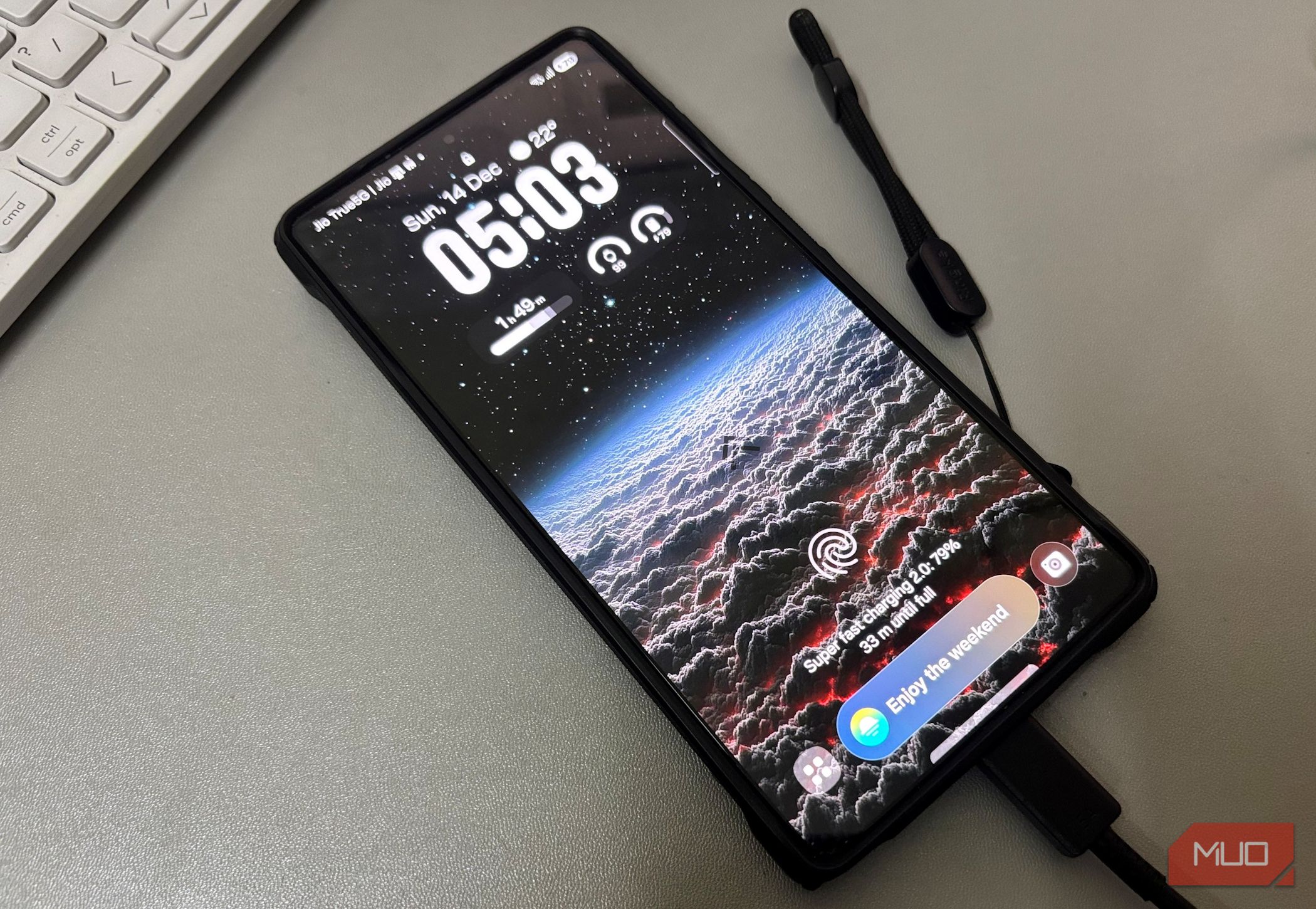
Charging our smartphones has become second nature. The moment the battery dips, we instinctively reach for a cable and plug in, often without giving it a second thought. I see this all the time. People top up their phones at random intervals and use whichever charger that is nearby, whether they’re at home or out and about. It feels harmless at the time, but small habits like these can affect your phone’s battery and its lifespan.
We already understand this idea with other devices. For instance, repeatedly pushing a laptop to a full charge is not always the best approach for long-term battery health. Phones are no different either. They benefit from a little mindful charging, too. A few thoughtful changes here and there can improve charging speed and help preserve the battery over time.
If you just fix these three everyday charging habits, you can build a routine that is smarter, faster, and far less demanding on your phone in the long run.
Related
I Thought All Chargers Were the Same—Then I Learned These 6 Crucial Differences
If you want to fast-charge your devices, you need to make sure you’re using the right charger!
The right cable and adapter make all the difference
Random chargers are a risky romance
Credit: Brady Snyder / MakeUseOf
These days, buying a new smartphone rarely means getting a complete charging kit in the box. Unlike in earlier years, many brands skip including a power adapter altogether. You still get the cable, but you end up paying extra for a compatible charger. Because of this, I often notice people falling back on whatever charger is lying around at home, or opting for a cheaper alternative just to save money.
It may seem practical at the moment, but that shortcut can have consequences over time. Not all adapters deliver power in the same way, and mismatched or low-quality options can affect charging efficiency and place unnecessary stress on the battery. Instead of helping your device, they can slow charging speeds, cause excess heat buildup, and gradually impact long-term battery health.
Using a cable and adapter that are designed or certified for your phone can make a real difference. The correct setup ensures stable power delivery, maintains optimal charging speed, and reduces the chances of overheating or battery degradation. It’s a small and one-time investment that supports both safety and performance, keeping your phone running reliably for much longer.
I’d strongly recommend buying a charging adapter directly from the same brand your phone belongs to. Manufacturers design their chargers to work seamlessly with their own devices, which means they are tuned for the right power output, charging protocols, and safety checks. That compatibility usually translates into faster, more stable charging without putting unnecessary strain on the battery.
Pay attention to how warm your phone gets
Keep it cool, and it will keep going
Screenshot by Denise Lim – no attribution
Once you plug in your phone, it’s easy to walk away and forget about it entirely. But charging shouldn’t be a completely unattended routine. You don’t need to hover over it, of course, yet it helps to remain a little aware of how the device is behaving. A quick check now and then can go a long way in protecting battery health and avoiding performance issues over time.
Fast charging, in particular, tends to generate heat as power flows in more aggressively. If you notice your phone becoming unusually warm to the touch, or if the screen feels hot while it’s charging, take a moment to intervene. Removing the protective case can help release trapped heat and allow the device to cool down more efficiently.
Where you place the phone while it charges also matters more than most people realize. Setting it on a firm, flat surface such as a table allows it to dissipate heat properly. Softer spots like beds or couches may feel comfortable, but they trap heat and restrict airflow, increasing the risk of overheating. Similarly, charging in direct sunlight can be avoided, as external heat only compounds the temperature rise and puts extra stress on the battery.
A little awareness during charging is all it takes. These habits keep temperatures in check, support healthier battery performance, and help your phone charge far more gracefully.
Charging straight from the wall is often the safer bet
Skip the detours, go straight to the socket
Yadullah Abidi / MakeUseOfCredit: Yadullah Abidi / MakeUseOf
Wireless charging is undeniably convenient; it really changes the way you use your phone. That ease, however, comes with trade-offs. In most cases, wireless charging delivers lower power than a wired connection, which means the process is slower and can sometimes generate extra heat.
A similar limitation applies when you plug your phone into secondary sources, such as a laptop or a car’s USB port. These connections prioritize power distribution over rapid charging, so they typically deliver minimal output. While they work well in a pinch, they are not designed to refill your battery quickly or efficiently.
For faster, more reliable results, a wired charger connected directly to a wall outlet remains the most practical approach. It delivers stable power, supports higher charging capacity, and generally aligns better with your phone’s charging protocols. Beyond saving time, this setup also ensures safer and more consistent energy flow, helping the battery stay in condition over the long term.
Related
Why charging your phone overnight isn’t bad anymore
Charging your smartphone overnight isn’t nearly as dangerous as everyone makes out.
Treat the battery well and it will return the favor
Relying on just any charger you find lying around might seem harmless, but it can really hold your phone back. Inconsistent power delivery and poor compatibility can slow down charging, generate unnecessary heat, and even affect how the device performs over time. It sounds casual, but the accessories you use play a meaningful role in shaping your phone’s long-term battery health.
I prefer my devices to remain dependable for three or four years at the very least, which means being intentional about how I charge them. These small details keep the temperature in check, and choosing the right method can make a lot of difference. So, if you want your phone to remain reliable for the long haul, adopting these three simple practices can hold up your phone far better with time.
