

Want Google out of your life? It’s pretty easy to find alternative search, email, and photo storage providers, but it’s much harder to come up with a mobile operating system that’s free of Google. The obvious answer is an iPhone, but if you want Google out of your life, you probably don’t want to immediately replace it with Apple. While a little better from a privacy standpoint, Apple is still not great.
Fear not, privacy-conscious WIRED reader, there are alternatives to Android. Technically speaking, most alternative mobile operating systems are based on Android, not alternatives to it, but these various projects all remove Google and Google-related services (to varying degrees) from the system. Typically that means all the Google services are stripped out and replaced with some alternative code (usually the micro g project), which is then sandboxed in some way to isolate it and restrict what it has access to. The result is a phone that is less dependent on Google, pries less into your privacy, and sometimes might offer a more secure experience. However, at their core, these are all still based on Android.
If you want a true alternative to Android, there are a few. I am sorry to say, free software fans, the best and most functional alternative to Android is still iOS. Most people looking for Android alternatives are not, however, looking to switch to an Apple device. There are a couple of Linux-based phone systems out there, most notably SailfishOS, which can run Android apps (I will be testing this next), but in my testing, none of the Linux-based operating systems are ready to be your everyday device.
Jump To:
Why De-Google Your Phone?
First off, you don’t have to remove Google. There are plenty of people happily running Google Services on LineageOS just because they want to tinker with the system and expand the capabilities of their phones. That’s a fine reason to dive into the world of Android alternatives.
Still, you don’t have to have a nice tinfoil hat to know that Google’s privacy record is laughable. De-Googling your phone is a way of enjoying the convenience of having a smartphone without sharing everything you do with Google and every app that takes advantage of its APIs. Should you be able to participate in the technological world without trading your privacy to do so? I think so, and that’s why I’ve used an Android alternative, GrapheneOS, for more than five years.
What Is the Android Open Source Project?
Google’s Android mobile operating system is open source, which means anyone can, in theory, build their own mobile operating system based on the Android Open Source Project (AOSP). The AOSP just provides a base, though. There is much more to a mobile operating system than just the underlying code.
Android’s operating system may be open source, but it runs device-specific drivers and Google’s various Play Services application programming interfaces (APIs) with a suite of built-in apps for basic functionality. All of this stuff is another layer atop the Android operating system, and it’s this layer that’s very difficult for other projects to reproduce. It’s not hard for projects to get the AOSP code running, but it’s difficult to create a great mobile user experience on top, which is why the list of good de-Googled Android alternatives is short.
What Is the Bootloader and Why Is It Locked?
The bootloader is a piece of code that allows you to change which software boots up on your phone. The manufacturer of your phone puts a cryptographic key on the phone, the public read-only key. When an update is released, the manufacturer signs the update, and when the phone gets the update, it checks to make sure the signature matches the key. If it does, it applies the update, and if it doesn’t match it doesn’t. This is basic security and protects your device, but it also prevents you from loading another operating system, so one of the first things you’ll do when installing one of these de-Googled operating systems is unlock the bootloader.
Then you install the OS you want to install and then … you probably don’t relock the bootloader because most of the time that won’t work. This is why Pixel phones are popular with people who like to tinker and customize, because you can relock the bootloader on Pixels (and a handful of others), but by and large most people using alternative OSes just live with an unlocked bootloader. It’s not ideal, it’s a security vulnerability, but there’s also not a good solution aside from saying, get a Pixel.
Apple’s iOS does offer more privacy features than stock Android. In my experience, it’s a fine operating system, but it is still very tightly coupled to Apple. Sure, you can avoid iCloud, run your own syncing software, and not use Apple’s various tools, but to do that you’ll be fighting the phone every step of the way. If iOS works for you, that’s great, but for a lot of us, a de-Googled Android phone is just easier to use and more convenient.
Best Preinstalled Phone: Fairphone 6 With /e/OS
Photograph: Scott Gilbertson
Photograph: Scott Gilbertson
Fairphone
Fairphone (6th Gen, /e/OS)
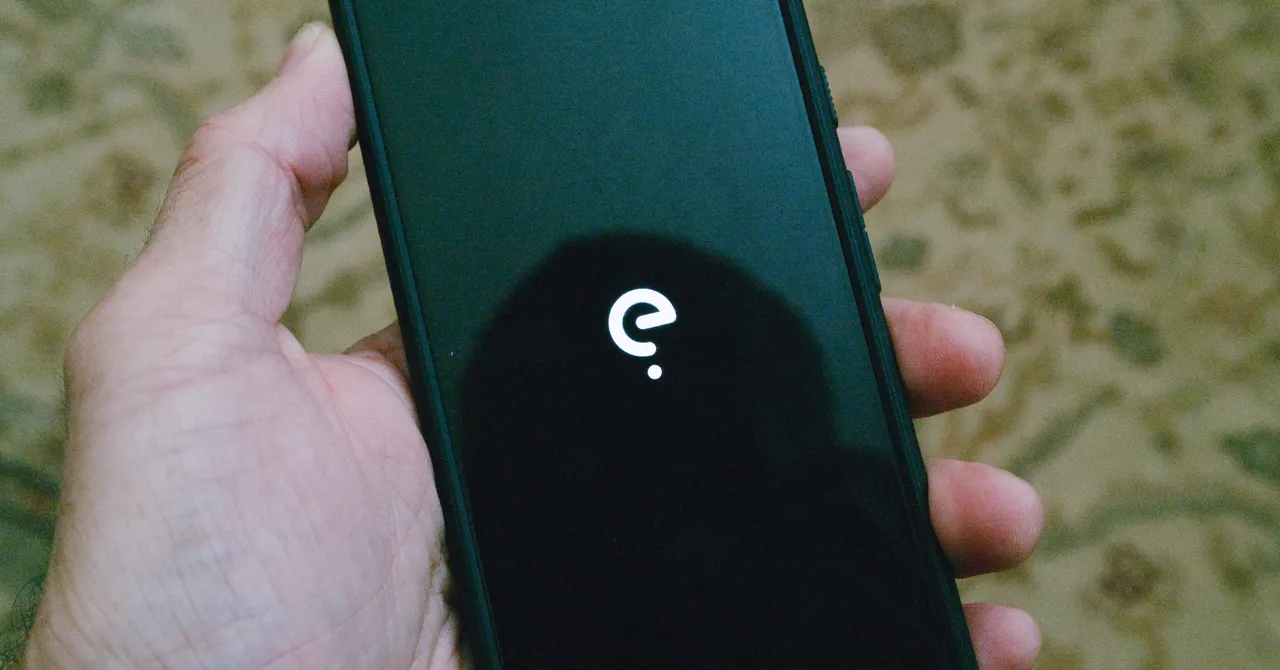
The best de-Googled phone experience for most people is going to be Murena’s /e/OS version of the Fairphone 6. Not only does it offer the full /e/OS experience out of the box, with a strong focus on privacy and blocking apps from tracking you, but the Fairphone hardware is repairable, the battery replaceable, and the bootloader is locked. The catch, if you’re in the United States, is that the Fairphone 6 only works with T-Mobile and its MVNOs. Somewhat ironically, it worked great on GoogleFi when editor Julian Chokkattu tested it last year. I tested it using T-Mobile’s prepaid plan, as well as RedPocket’s T-Mobile-based service, and had no issues with either.
The Fairphone 6 gets even better when you put /e/OS on it. Thanks to the privacy-first design of /e/OS, apps no longer track you, but they do still work 99 percent of the time, which is often not the case with some apps on alternate OSes (looking at you, banking apps).
The core of the privacy features in /e/OS revolve around the Advanced Privacy app and widget. Here you can block (or chose to allow) in-app trackers, and there are other features such as hiding your IP address or geolocation when you feel like it. The IP and geo-spoofing are nice for limited-use cases, but the main privacy feature for most of us is the ability to block trackers in apps—and it turns out there are a lot of those.
Murena also ships /e/OS with a very nice custom app store, the App Lounge. It’s similar to the Play Store, but with extras like privacy information about each app. Under each listing in the App Lounge you’ll see a grade from 1 to 10, where 1 is horrible for privacy and 10 generally means no trackers. The App Lounge also grades apps according to which permissions they require. The fewer permissions (like access to your photos or geodata), the higher the rating.
