

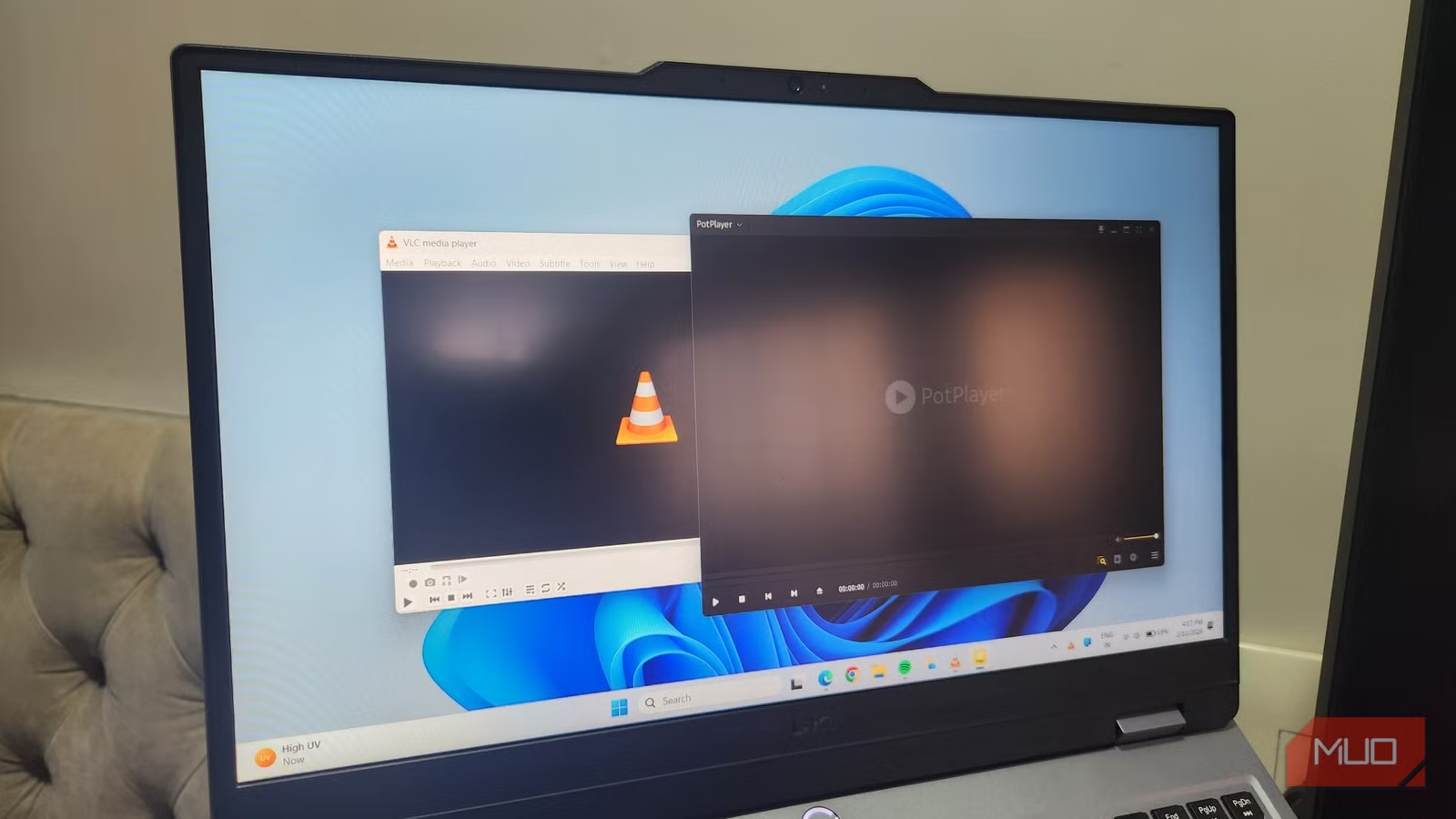
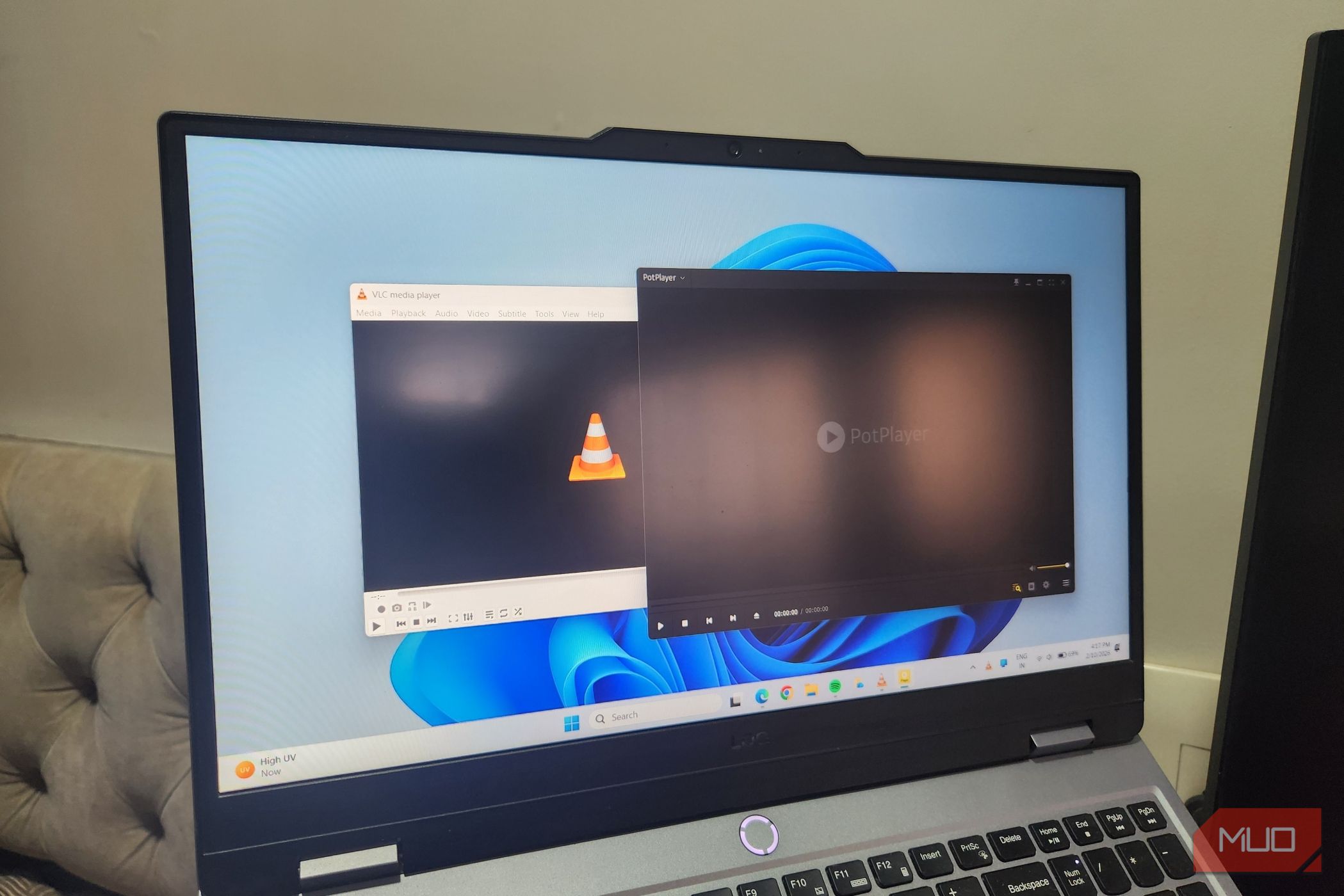
VLC has long been considered the gold standard of media players. It can handle just about every format, is open-source, and offers plenty of useful features. For most people, there’s almost no reason to look for an alternative.
However, after repeatedly seeing a few folks praise PotPlayer across Reddit threads and other corners of the internet, curiosity finally got the better of me. I decided to give it a spin, fully expecting to uninstall it after a few minutes. But instead, it ended up replacing VLC for me.
OS
Windows
Price model
Free
PotPlayer is a free media player app for Windows that supports most media formats, looks modern, and offers plenty of useful features.
PotPlayer looks great and is endlessly customizable
Looks modern, feels personal
One of the first things you’ll notice when opening PotPlayer is how modern it looks compared to VLC. The overall interface is clean and minimal. Unlike VLC, it doesn’t have a traditional top menu bar. Instead, you need to click the tiny arrow in the top left corner or right-click anywhere on the player to access options.
The design can be subjective, but where PotPlayer really stands out is customization. The flexibility it offers is honestly kind of wild. Head to its Preferences menu by pressing F5, and you’ll see options to change fonts, adjust navigation controls, recolor buttons, and fine-tune where different elements sit on the screen. If something feels off, PotPlayer likely gives you a way to tweak it.
And if you don’t want to change every little detail yourself, PotPlayer also supports skins. Sure, VLC also has skins, but most of them honestly look quite dated. PotPlayer, on the other hand, doesn’t disappoint in this area. Head to a site like VSTHEMES, and you’ll find plenty of options that make the player look dark, minimal, colorful, or even futuristic.
Finally, if you love using keyboard shortcuts like me, PotPlayer not only supports plenty of them but also lets you reassign them. And if there’s a feature that doesn’t have a hotkey assigned, you can create one for it from Preferences > General > Keyboard.
Subtitle support, hardware acceleration, and lightweight design
Feature-packed but still lightweight
Screenshot by Pankil Shah — No attribution required
When it comes to viewing locally saved videos, subtitle support is one of those nonnegotiable. If a media player gets this wrong, everything else barely matters. Thankfully, PotPlayer absolutely nails it.
Open its menu, head to Subtitles, and you’ll see options to download subtitles from the internet, sync them perfectly with the video, and even customize how they look. You can fine-tune everything, including fonts, sizes, colors, shadows, and their position. It gets better. PotPlayer can translate the subtitles into different languages. You can choose the translation service you want to use, whether it’s Google, Bing, Libre, Yandex, or any other.
For any custom or obscure videos where subtitles simply don’t exist, PotPlayer even has AI tools that can generate subtitles directly from the audio in real time. This is easily one of its most impressive tricks, and yes, it’s quite accurate.
Performance is another area where PotPlayer matches up to VLC. It supports hardware acceleration, which lets your GPU handle much of the workload for a smoother playback. And despite all these features, PotPlayer remains lightweight and fast, even when you’re watching large 4K videos or 3D content.
Related
The 8 Best Windows Music Players for Hi-Res Audio
Searching for a music player that supports hi-res audio? Here are the best hi-res music player apps for Windows.
XInput controls, dual audio playback, and extension support
Where it pulls ahead of VLC
Screenshot by Pankil Shah — No attribution required
PotPlayer isn’t all about deep customization and subtitle support. It also has those small, quality-of-life features that make a huge difference.
For instance, if you prefer watching movies or shows from your couch, PotPlayer supports XInput controllers. This means you can use your gaming controller to play, pause, skip forward or backward, and control the volume without reaching for the keyboard or mouse.
Then there’s the dual audio playback feature. It lets you play two different videos simultaneously. Of course, it’s not something everyone will find useful, but it can be handy for specific scenarios. For instance, if you’re learning a new language and want to watch the same content in two different languages side by side, this feature can make it happen.
Finally, PotPlayer also supports extensions. These extensions power features like downloading, creating, and translating subtitles. They also unlock the ability to watch live Twitch streams and YouTube videos without ads. That last part is one of my biggest reasons for switching to PotPlayer. VLC often throws errors while playing YouTube videos. With PotPlayer, however, I’ve not run into that issue even once.
There’s even a PotPlayer browser extension that deserves a shoutout. It basically lets you send any video you come across on the internet to PotPlayer with a single click. It’s great for anyone who hates those web video players or just wants to watch videos without annoying pop-ups or ads.
PotPlayer is one of those few media players that not only comes close to VLC but also actually does a few things better. What sold me was the interface, the extension support, and the level of control it offers over subtitles. Together, these features gave me more than enough reason to finally move on from VLC after years of loyalty.
