

The Apple Watch has offered sleep tracking since 2020, and since then, it has been updated with new visuals and features. Each update has provided more insight into your sleep patterns and overall performance.
However, despite multiple updates over the years, the feature still lags behind other sleep-tracking devices. Here’s where it falls short compared with the competition and how it could catch up.
The history of Apple Watch sleep tracking
In 2020, Apple introduced sleep tracking on the Apple Watch, a feature many users had been requesting as the company continued to position the device as a health-focused product. While third-party apps could already track sleep, having the feature built into watchOS made it more accessible to users who may not have known it was possible before.
Credit: Nathaniel Pangaro / How-To Geek | Apple
In watchOS 9, Apple updated the feature again, allowing you to see the different sleep stages you were in during your time asleep. These stages consisted of REM, Core, Deep Sleep, and Awake, with a chart showing exactly when you were in each stage and for how long.
This was a significant advancement in understanding your sleep on your Apple Watch, since initially, it only showed how long you were asleep.
While the feature provided plenty of information about your sleep—including sleep stages, wrist temperature, and breathing rate—it only recorded data when your watch was in Sleep Mode. If you weren’t using that focus mode, the data wasn’t captured.
Credit: Nathaniel Pangaro / How-To Geek | Apple
In watchOS 11, this issue was resolved, and the watch starts recording when it detects you may have fallen asleep, regardless of which focus mode you were in. This also meant that naps taken outside of your sleep schedule were also recorded.
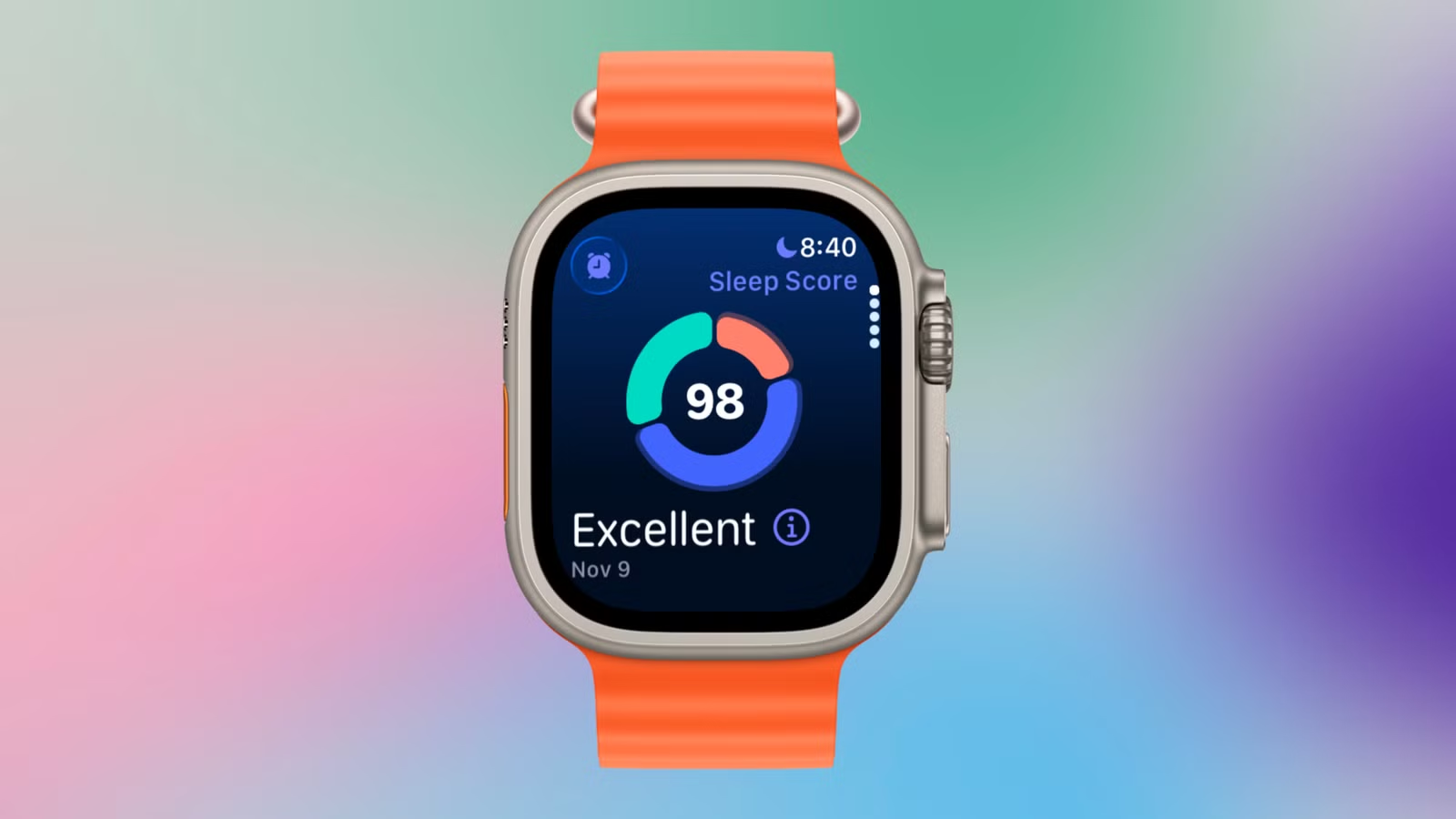
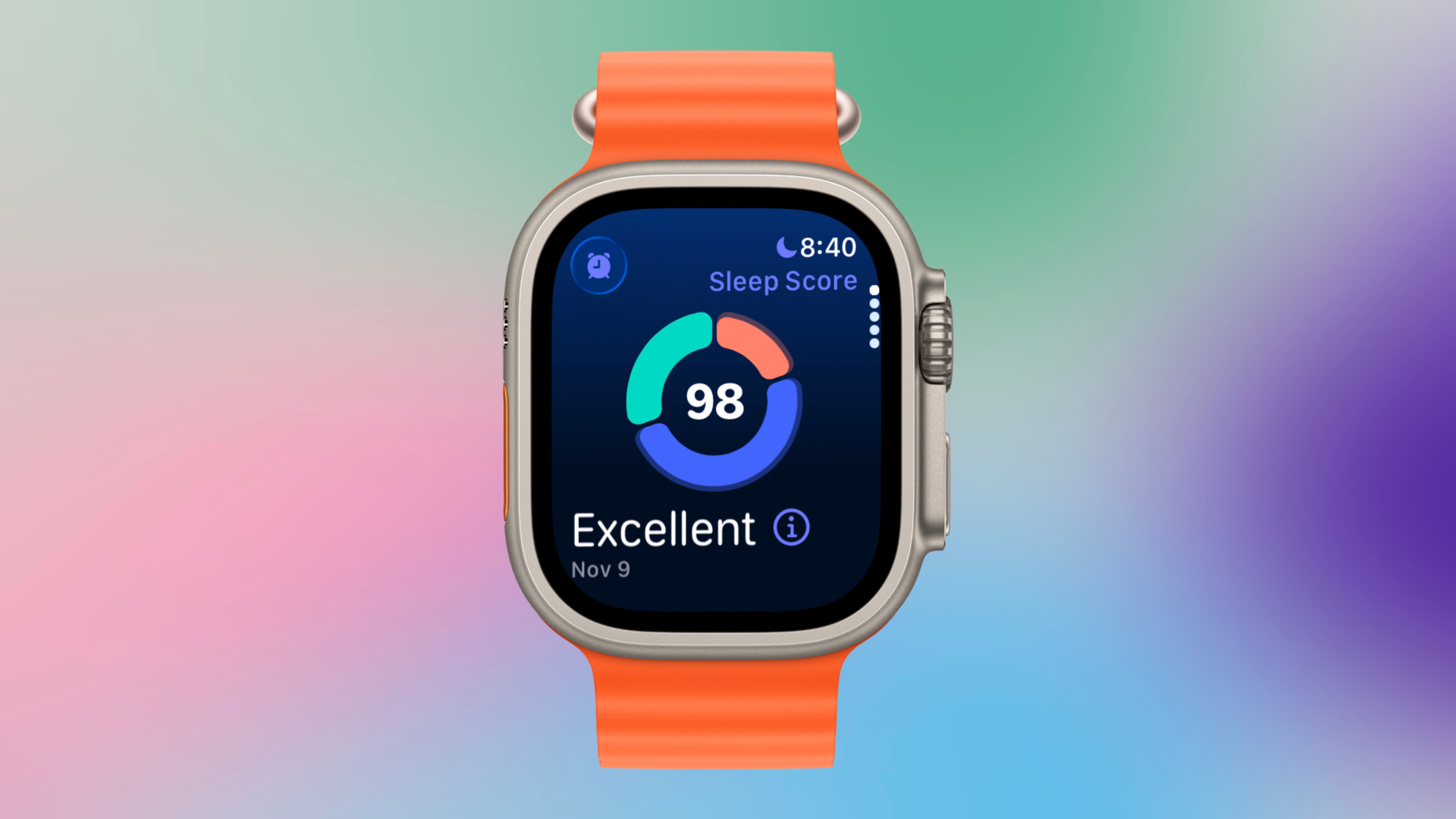
More recently, in watchOS 26, Apple added sleep scores to the data compiled from your sleep. This score is determined by the duration of your sleep, when you went to sleep based on your set bedtime, and how many interruptions you had during your sleep.
Credit: Nathaniel Pangaro / How-To Geek | Apple
Each score, out of 100, is assigned one of five labels: Excellent, High, OK, Low, or Very Low.
While the feature has improved significantly since its introduction, there’s still room for improvement. With Apple’s ongoing effort to make Apple Intelligence more helpful to consumers, sleep tracking could be one area where those tools eventually expand.
Improvements Apple should make to sleep tracking
While the feature has been continuously updated, there are still some areas where it falls short compared to the competition or in general.
Intelligent sleeping awareness
One area that could be improved is how intelligently the feature detects when you’re still sleeping after your alarm goes off. This is especially important when you skip an alarm because your schedule changes; for example, on a holiday when you don’t have work or simply don’t need to wake up as early.
Credit: Nathaniel Pangaro / How-To Geek | Apple
I’ve experienced this issue myself: when I skip the alarm for the next morning, my watch doesn’t wake me, but it still exits Sleep Mode. As a result, it starts sending notifications and interrupting those extra moments of sleep, defeating the purpose of skipping the alarm in the first place.
Just as the watch can detect when you’ve fallen asleep outside of Sleep Mode, it should do the same when you skip an alarm. If the device senses you’re still asleep, it should automatically keep the focus mode on.
Then, when you wake up, you should receive a notification asking whether you want to turn off Sleep Mode, as it does when you wake up before your scheduled alarm.
Better nap detection
While Apple did enable the Apple Watch to detect when you’re sleeping outside your set schedule, it doesn’t always work reliably. There have been several times when I’ve dozed off with the watch positioned correctly but received no sleep data or insights afterward.
Credit: Nathaniel Pangaro / How-To Geek | Apple
Furthermore, when it does record my sleep, it only shows the total time I was asleep, without any details about the stages. Instead of a multicolored graph showing different phases, it displays a single light blue bar representing the total duration of my sleep.
Naps are a great way to reduce anxiety and improve alertness, and knowing information about them can be beneficial. Even though they may be shorter than your nighttime sleep, they still can offer helpful information about your sleeping patterns.
Brand
Samsung
Operating System
Wear OS
The Galaxy Watch, which also tracks sleep, offers more advanced monitoring settings that help it better detect when you’ve fallen asleep. One feature, snore detection, uses both the watch and the connected phone to detect snoring as a sleep indicator.
Credit: Nathaniel Pangaro / How-To Geek | Samsung
Adding more precise sleep-detection settings to the Apple Watch—especially for sleep outside your scheduled times—would help bring it in line with other competitors in tracking your slumber.
Sleep coaching with Apple Intelligence
While Apple introduced sleep scores with the Series 11 and watchOS 26, it still isn’t enough. Although the score provides an easily digestible summary of your sleep, it essentially presents information you could already access, just in a different format.
Brand
Apple
Heart Rate Monitor
Yes
Where Apple needs to take sleep tracking is by leveraging Apple Intelligence to create an authentic sleep coach. I’m not referring to how Apple added Workout Buddy to the Fitness app; this would be a coach that guides you on what to do, keeps you on track, and works with you—not just offering positive affirmations while reciting your stats.
The Galaxy Watch has offered a feature like this since 2022, using past sleep data to provide personalized tips. It helps determine an optimal bedtime based on your desired wake-up time, offers a checklist of key habits to monitor, and provides insights into how your sleep compares with the past three to four weeks.
Credit: Samsung
Having basic sleep information is helpful, but I want to know what I can do to raise my score, feel more rested when I wake up, or understand why I’m waking up in the middle of the night. The watch should be able to use data from the Health app—which stores my water intake, food diary entries, and other health metrics—to coach me on where to make adjustments and how to improve my sleep quality.
Apple is heading in the right direction with its sleep-tracking feature, but compared with the competition, there’s still plenty of room for improvement. Several features offered by other smartwatches have been available for years and still haven’t made their way to the Apple Watch.
Apple is known for taking its time to refine features before introducing them, but with the rise of artificial intelligence and the company’s push for Apple Intelligence, it should enhance its sleep-tracking capabilities sooner rather than later.
